Describe an image or an edit
Name the subject, composition, light and the exact wording. For an edit, list the details a reference image must keep — product silhouette, logo placement, camera angle. 1K is the documented default; 4K is the ceiling.
Nano Banana 2.1 generates and edits in one model — 1K, 2K or 4K output, up to 14 reference images, and text that stays readable inside the image.
You can generate with Nano Banana 2.1 on this site right now. We haven't finished verifying 2.1 outputs ourselves.
How to use Nano Banana 2.1
Describe an image or an edit
Name the subject, composition, light and the exact wording. For an edit, list the details a reference image must keep — product silhouette, logo placement, camera angle. 1K is the documented default; 4K is the ceiling.
Choose an output size
Choose 1K, 2K or 4K to match where the image will be used. Inspect texture and edges at that size before you approve it — 1K for drafts, 4K for print or large-format.
Refine across edits
Make one change at a time with conversational editing, then check that the face, hair, outfit and accessories still match your reference. The specification covers consistency tasks with up to four characters.
1K / 2K / 4K
Output sizes
14 images
Reference inputs
4 + 10
Characters + objects
1:8 → 8:1
Extreme ratios
Version comparison
Two rows decide most briefs: output size and how many inputs the model accepts. 2.1 drops the 0.5K tier that Nano Banana 2 offers — if you need a sub-1K draft, stay on 2.0. Everything else is an incremental gain on text, identity and extreme formats.
| Model capability | Nano Banana 2.1 | Nano Banana 2 |
|---|---|---|
| Output sizes | 1K · 2K · 4K | 0.5K · 1K · 2K · 4K |
| Text & layouts | Enhanced rendering and layout accuracy | Multilingual text rendering |
| Multi-turn identity | Updated character consistency | Image quality and consistency |
| Prompt adherence | Improved detailed-instruction following | Prompt-based generation and editing |
| Availability on this site | 2.1 integrated; 2 and Pro currently available | Available in the workbench |
| Panoramic images at 2K / 4K | Tiling fixes for extreme ratios | Tall and panoramic formats |
What changes
Sharper output, more legible text and cleaner extreme formats — at up to 4K, with up to 14 reference images.
Create from a written brief or revise an existing image. State the change and the elements that must stay recognizable.
Set the words before you generate a poster or label. Separate large headlines from small notes and leave room for each line.
Assign every input a role: subject, setting, style or composition. Consistency tasks cover up to four characters and ten objects.
Google lists web and image search grounding. When a product enables it, generation can draw on factual or visual context — verify names, numbers and diagrams yourself before publishing.
The update addresses tiling artifacts at 2K and 4K in 1:4, 4:1, 1:8 and 8:1. Plan a continuous scene with one focal point.
Treat the version you like best as the reference for the next edit. Change the backdrop, crop or light in a separate pass so you can judge it alone.
Creative references
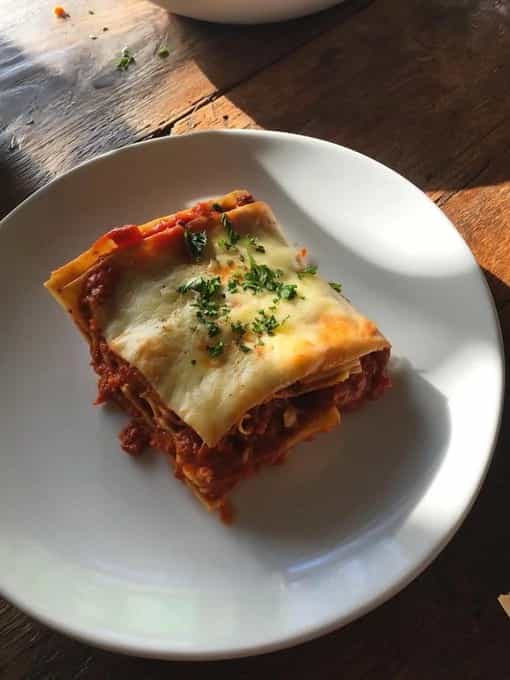
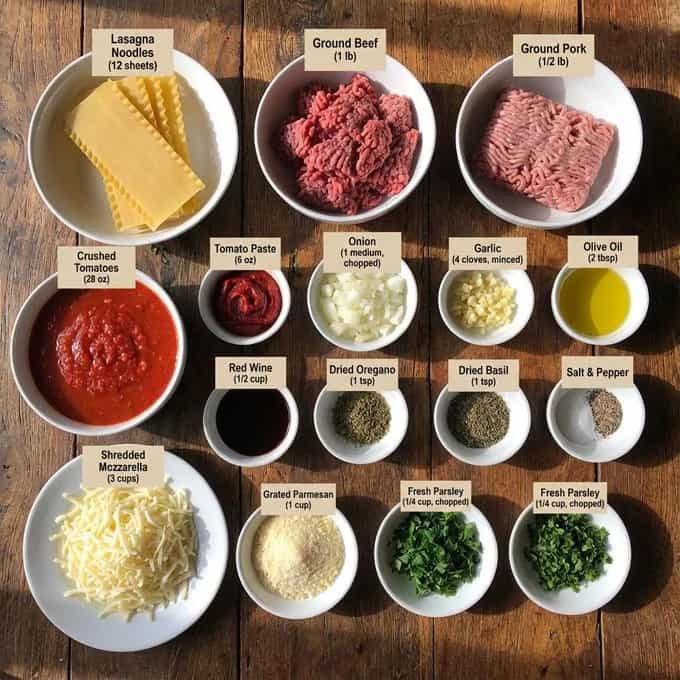
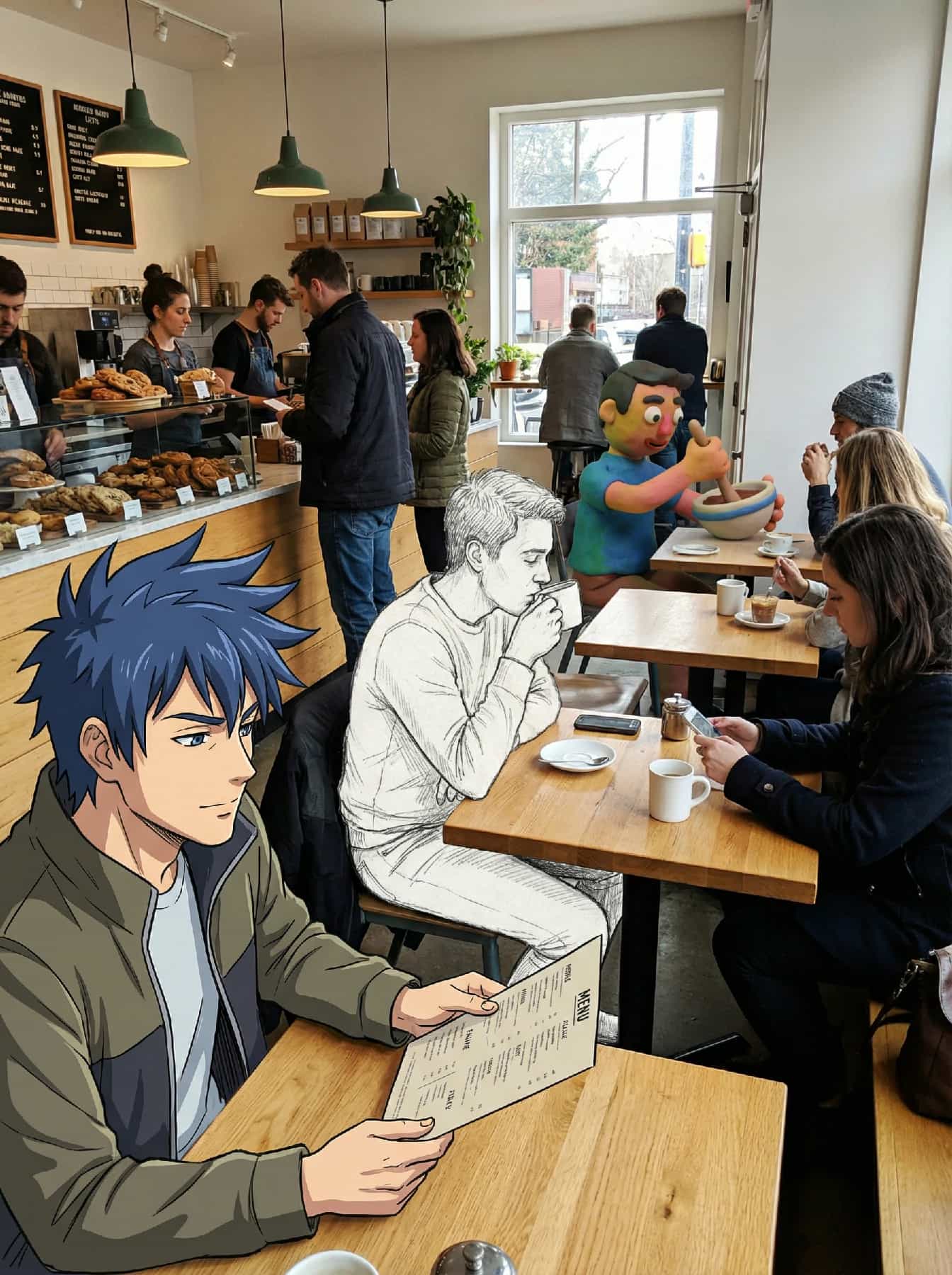
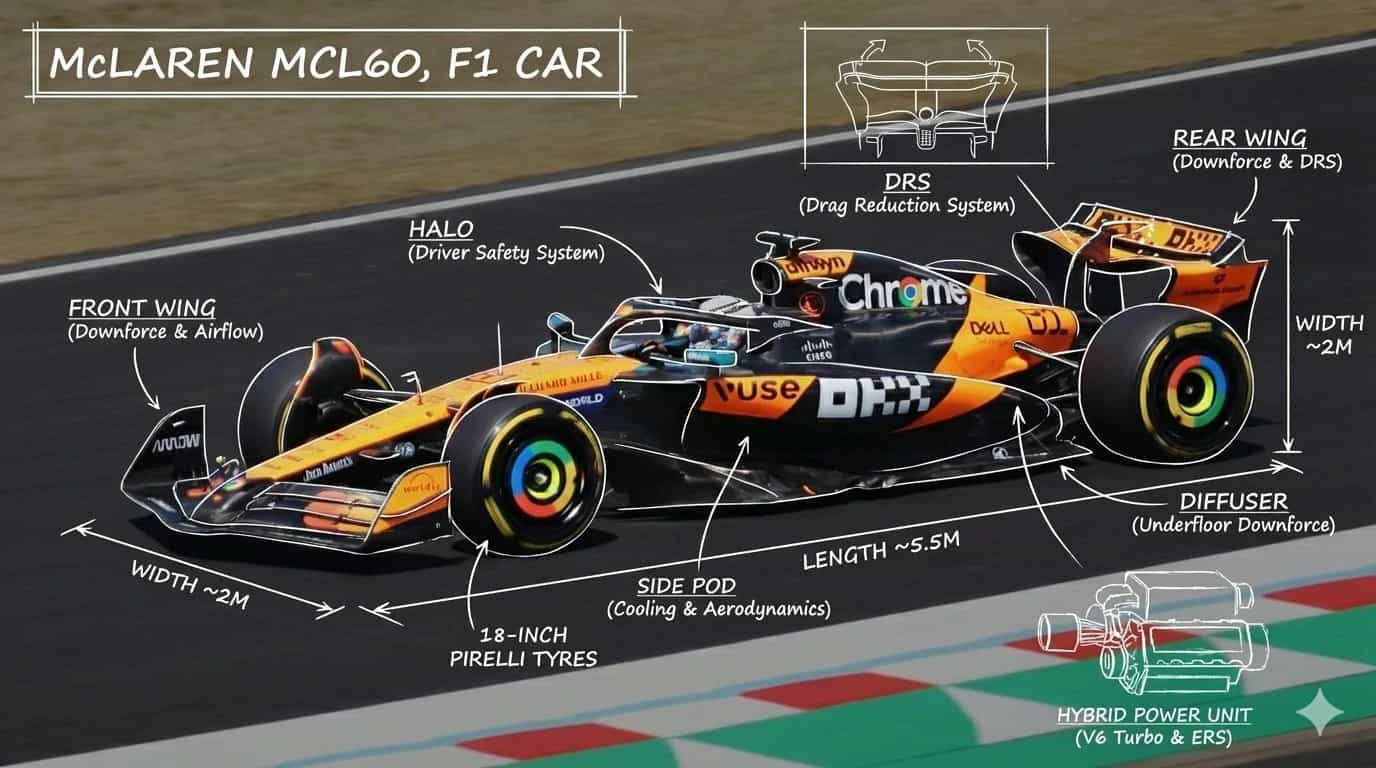
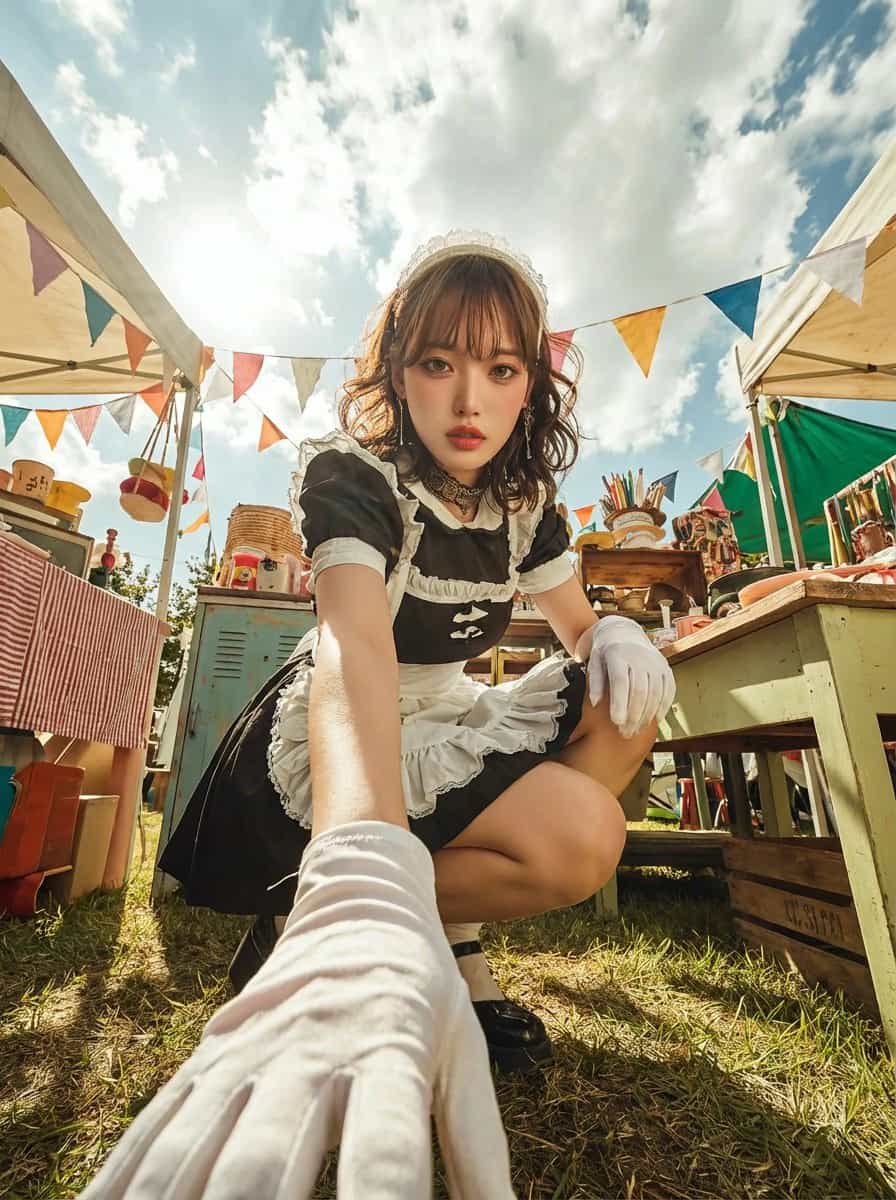
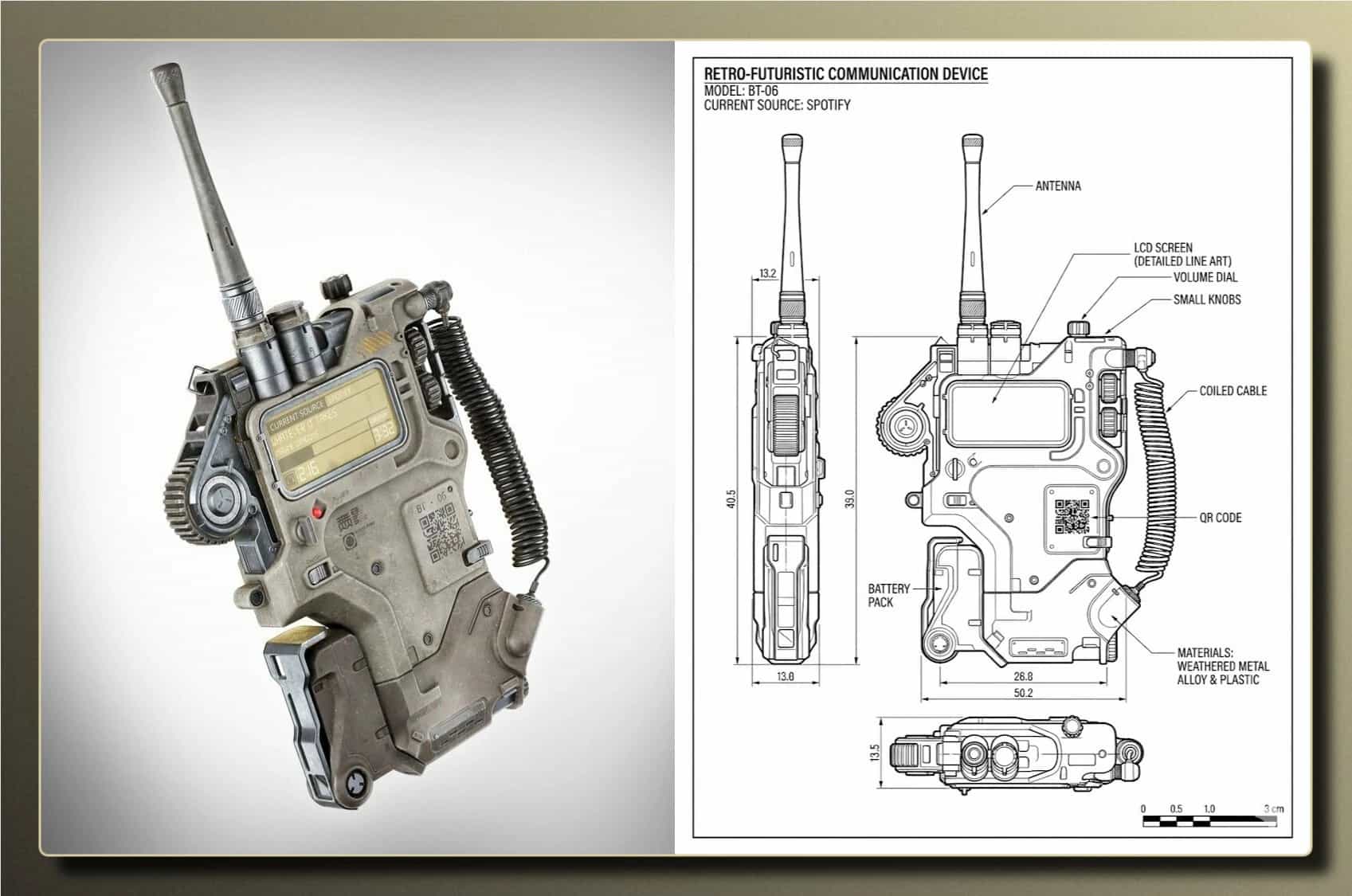
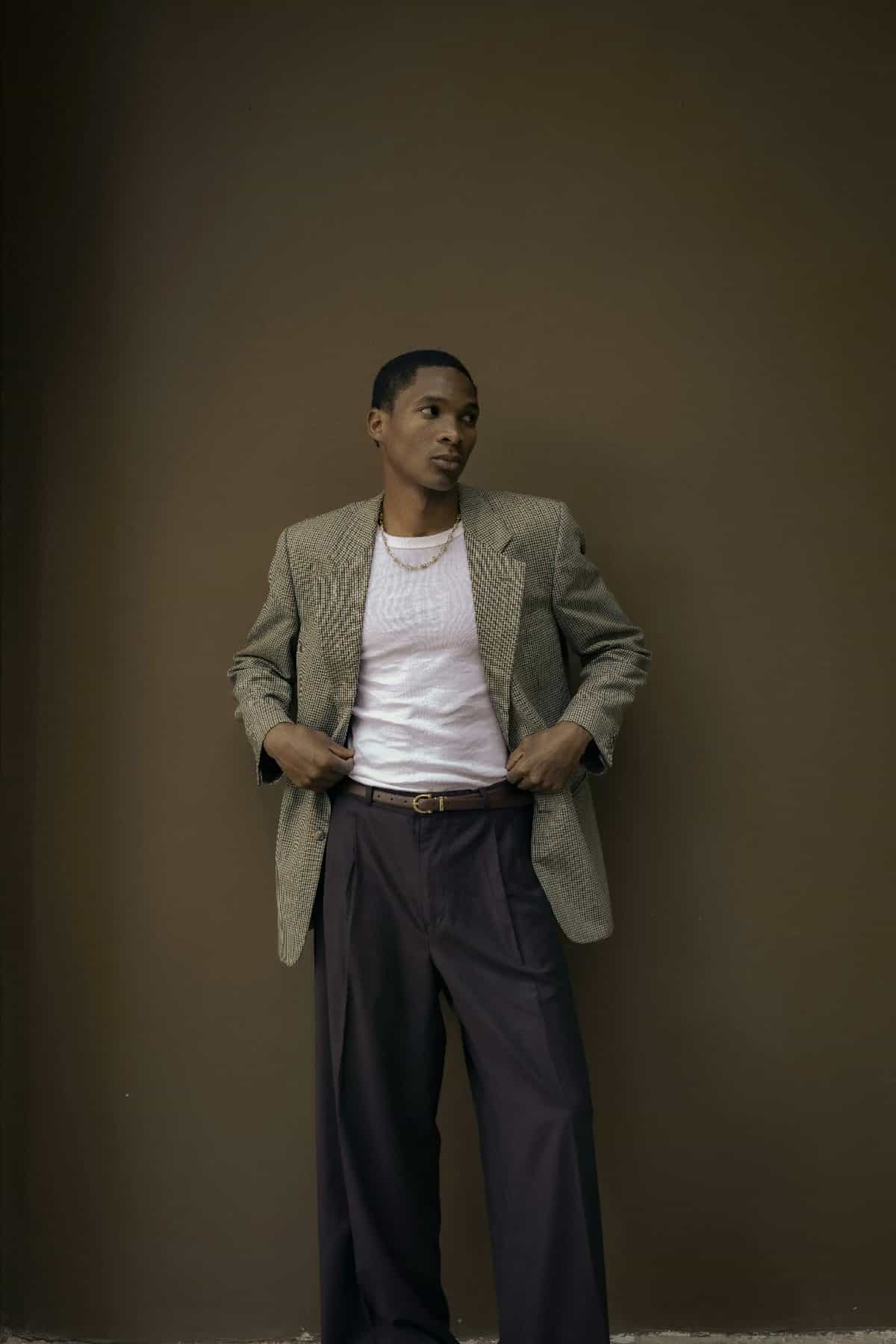
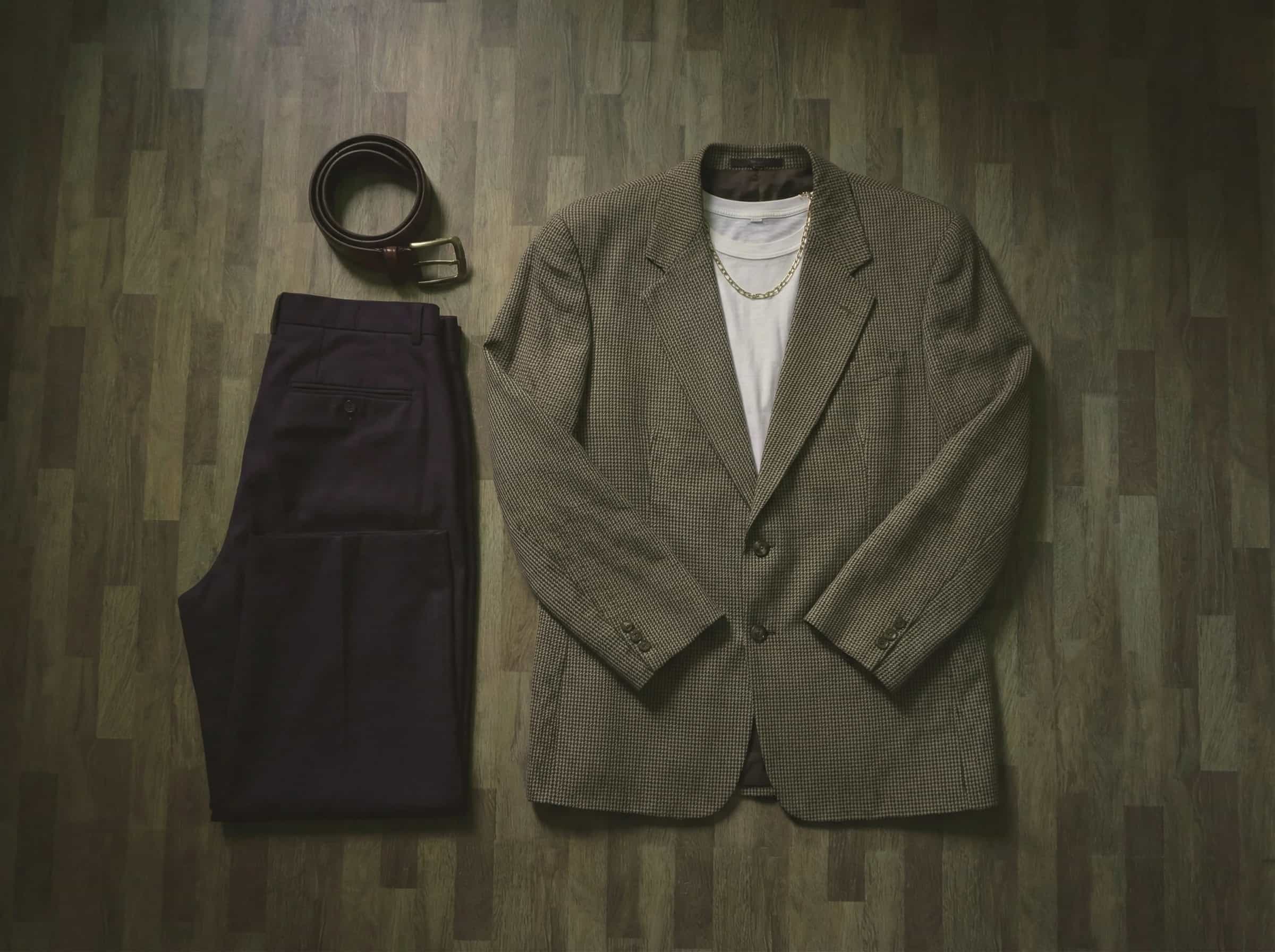
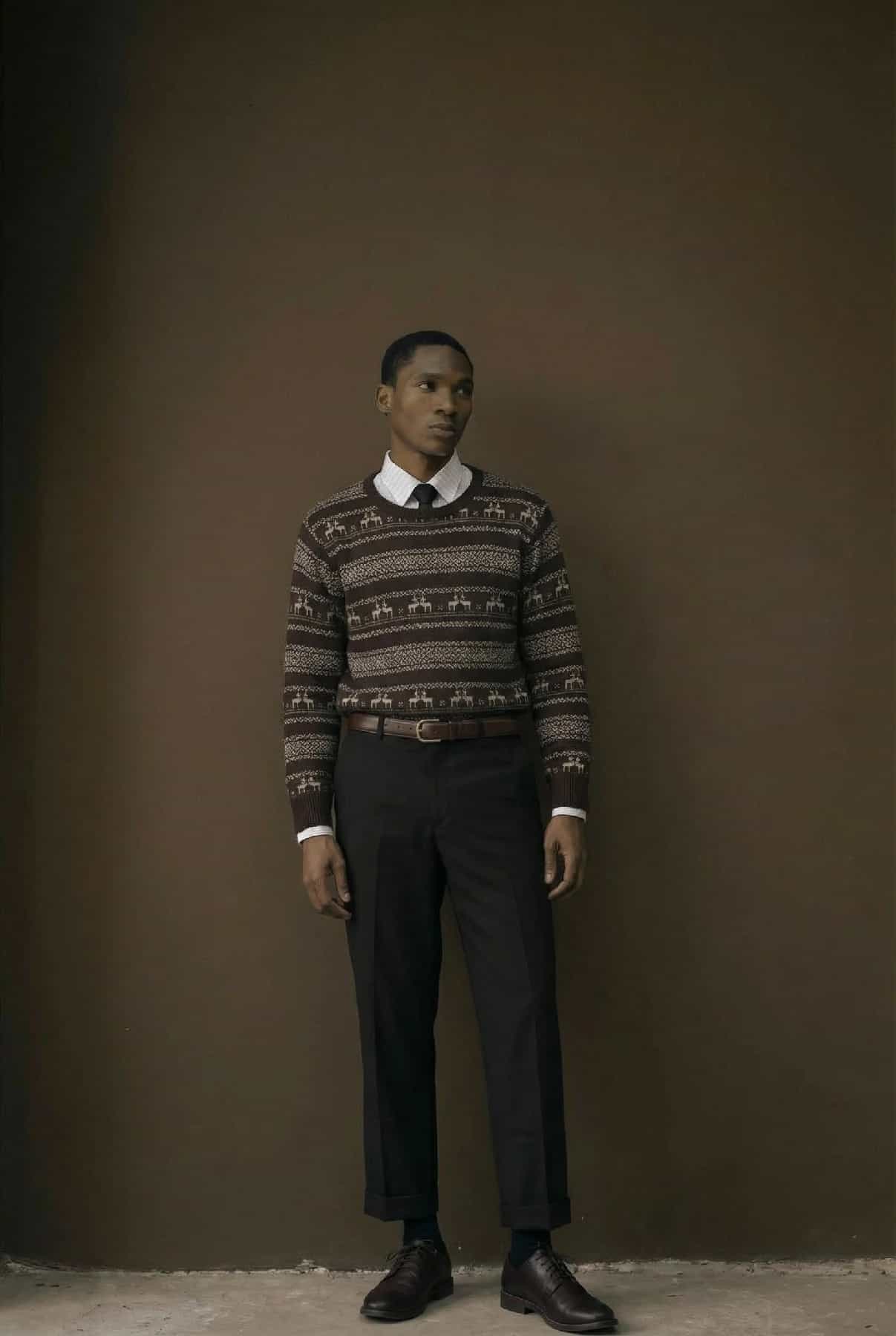
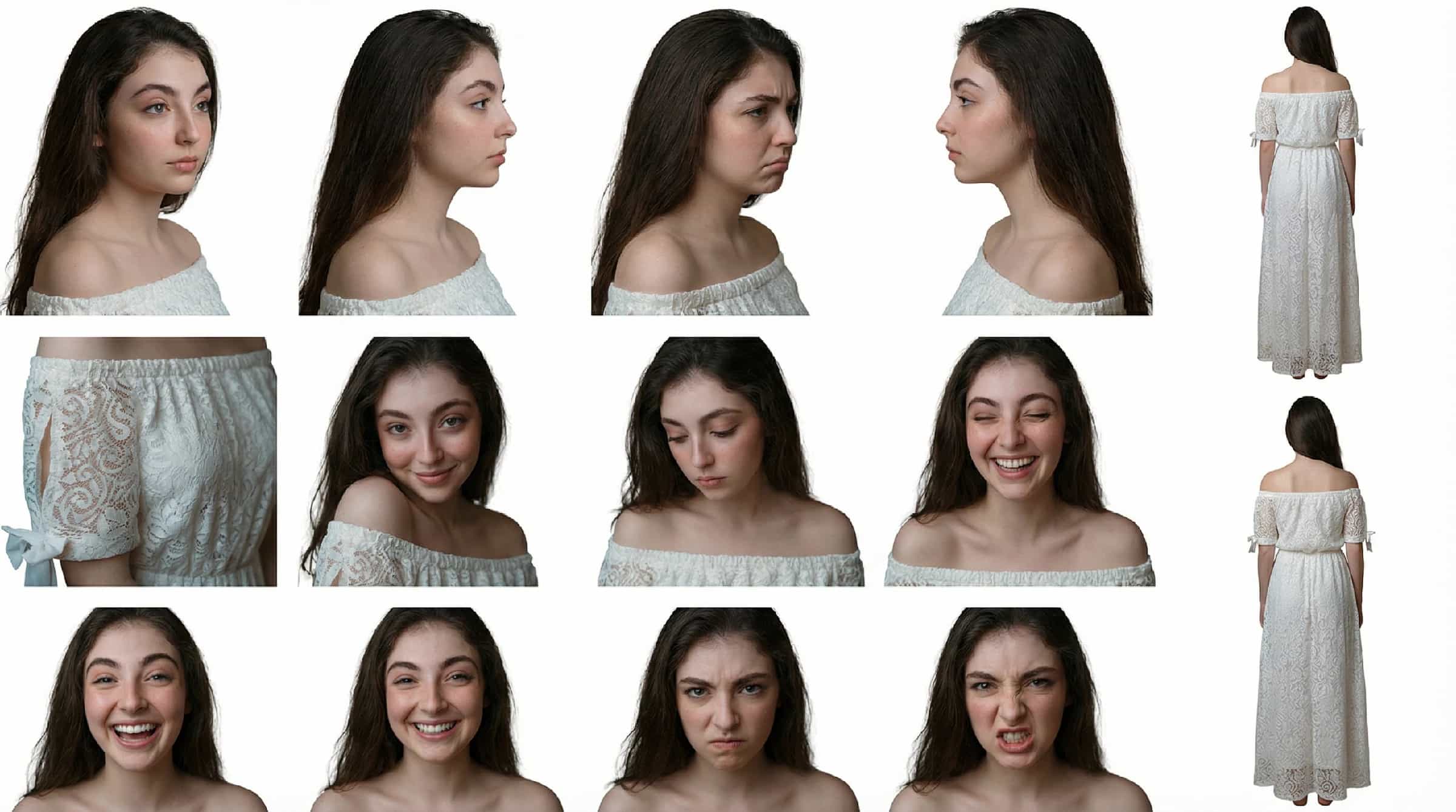
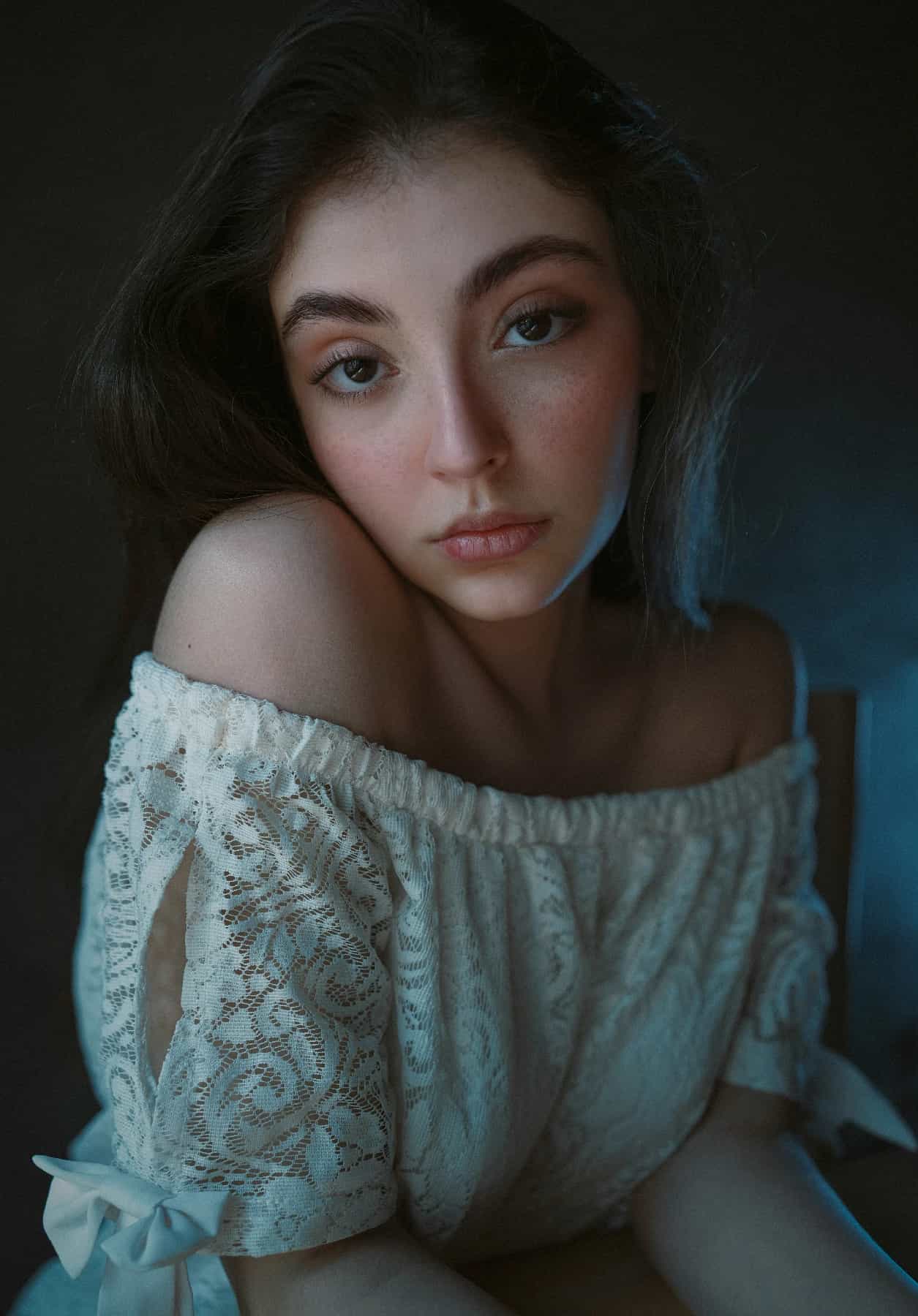
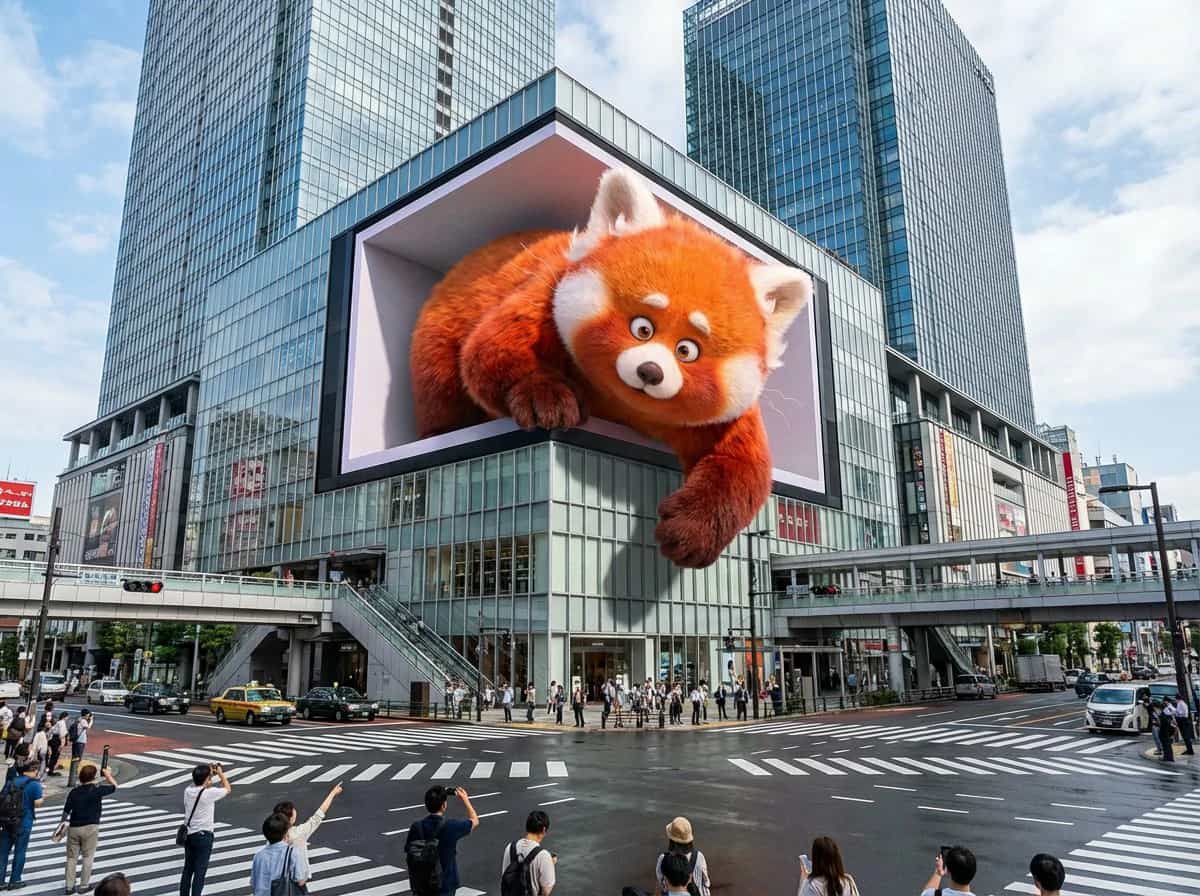
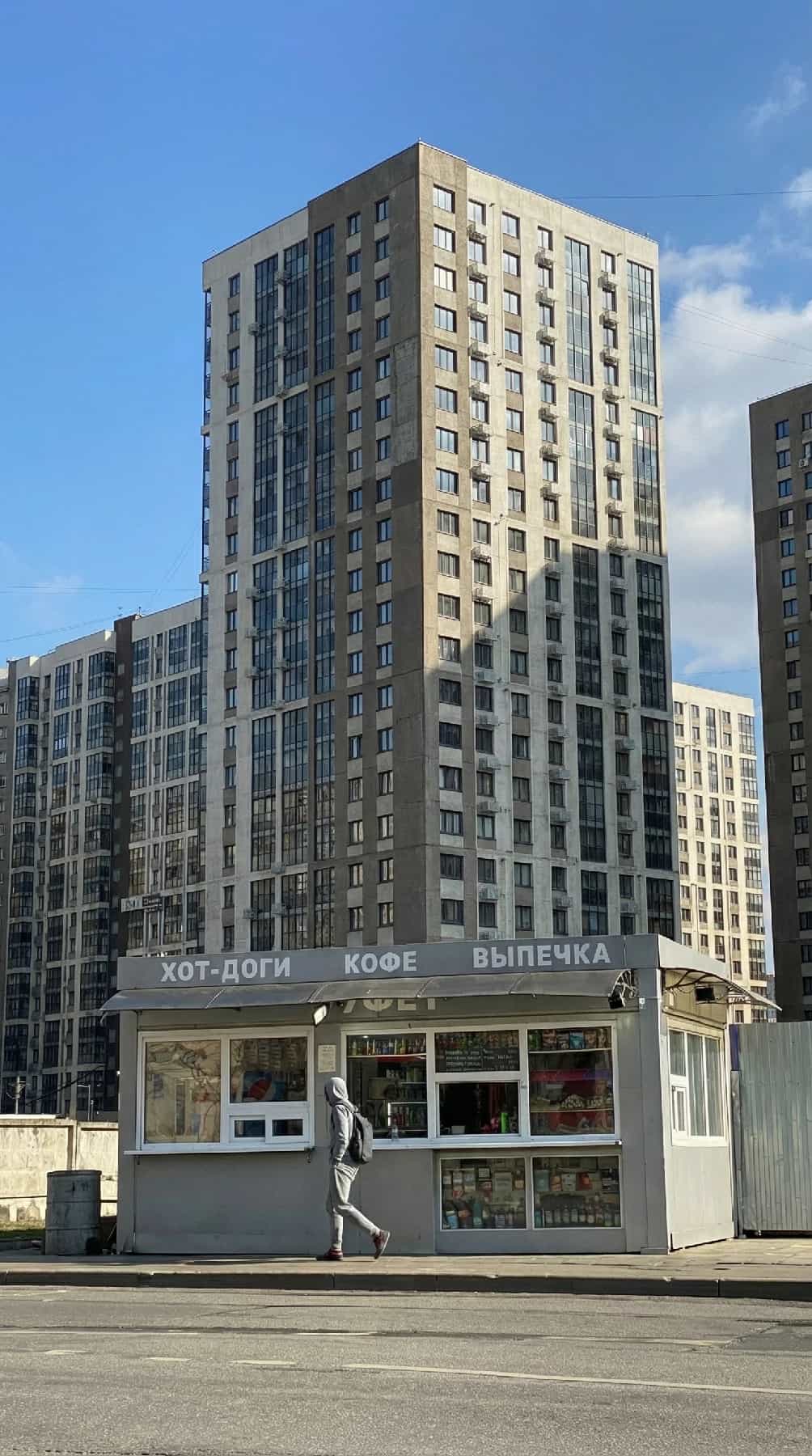
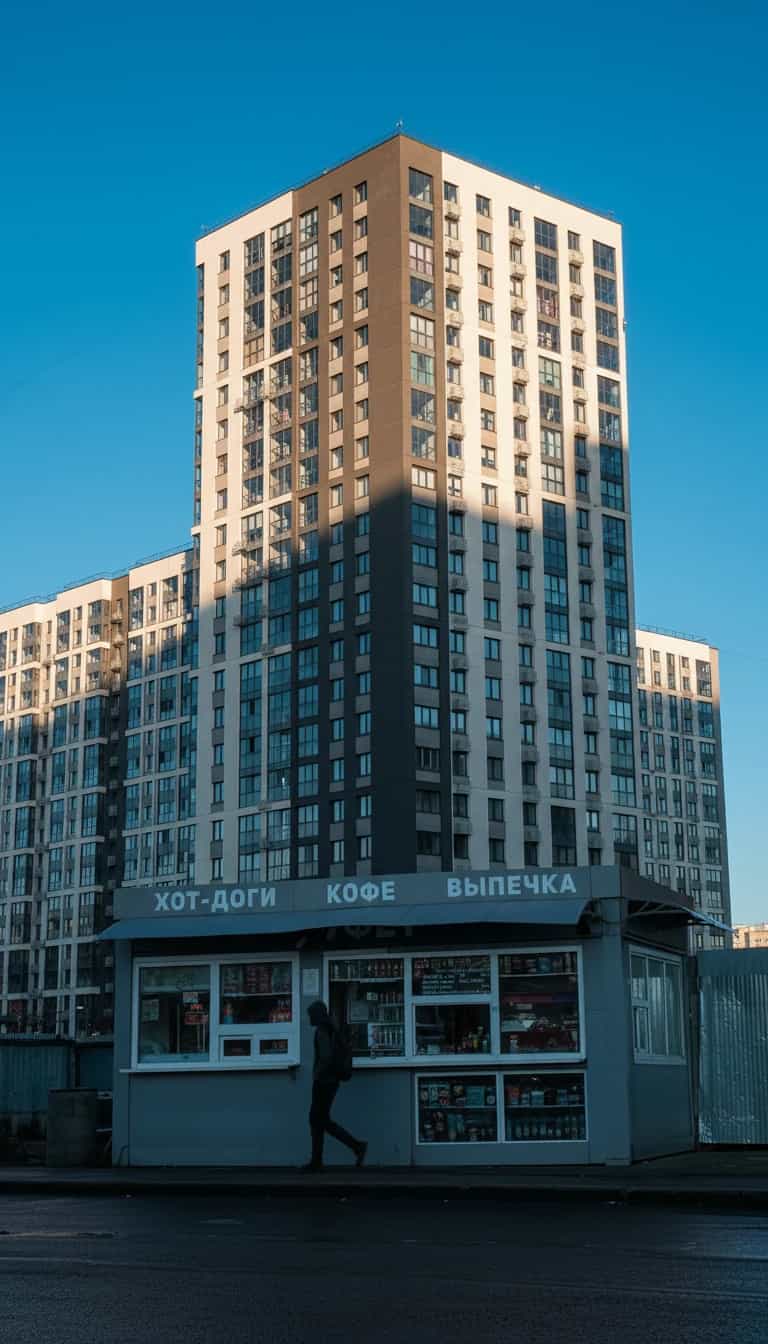
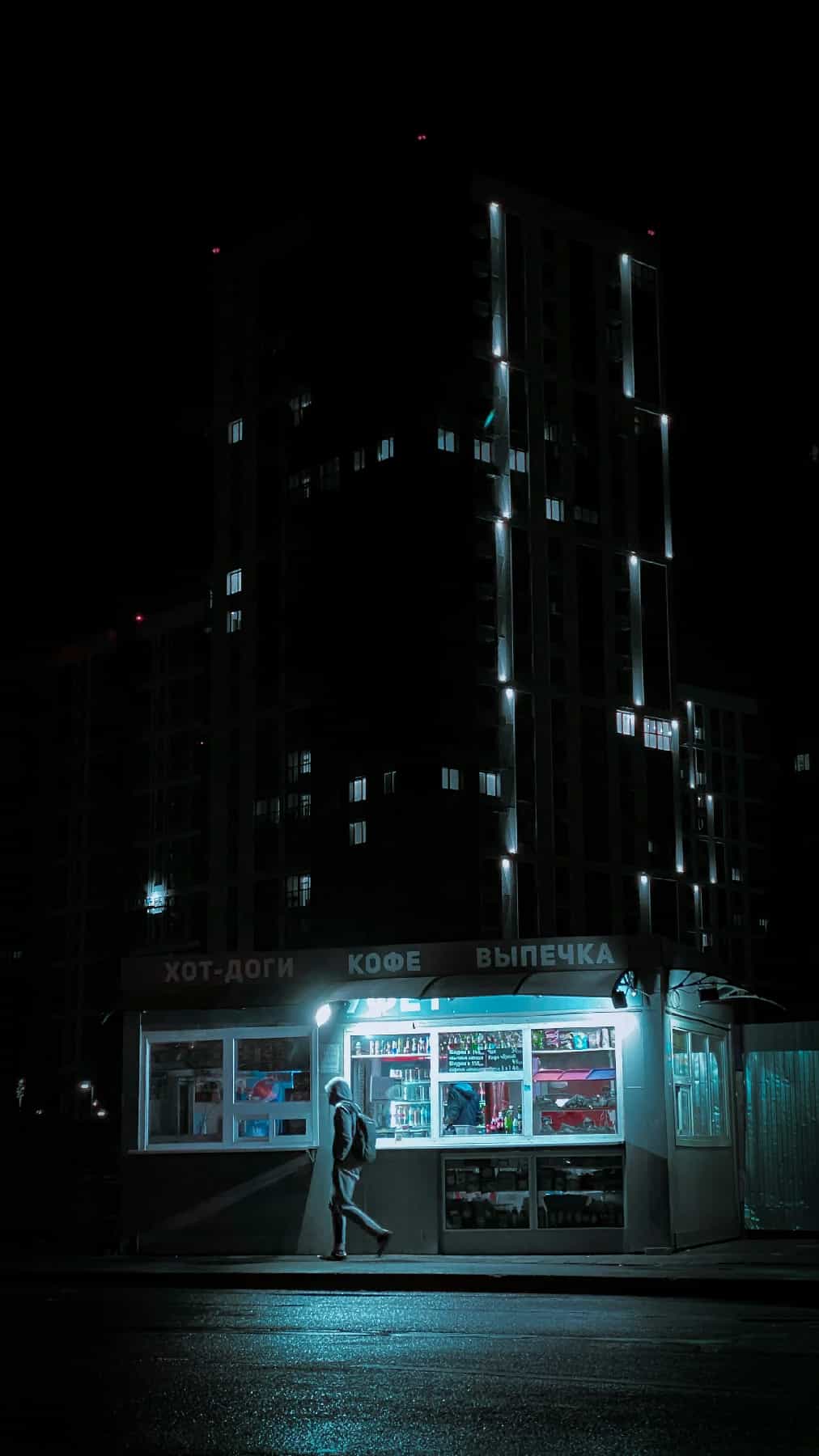
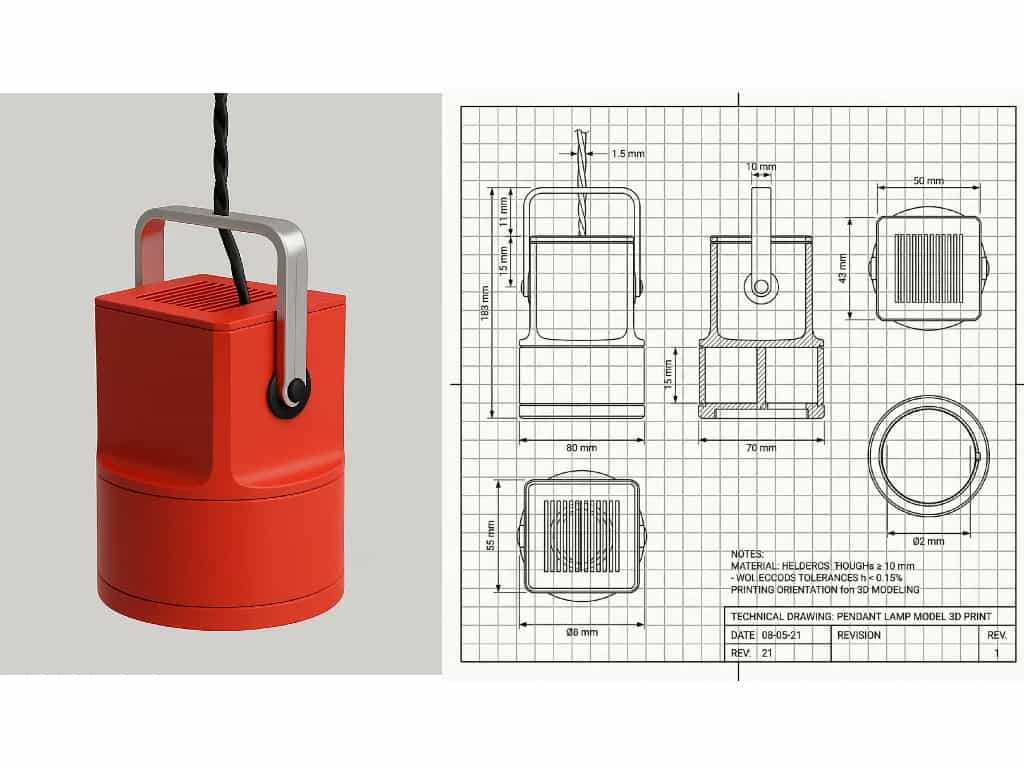
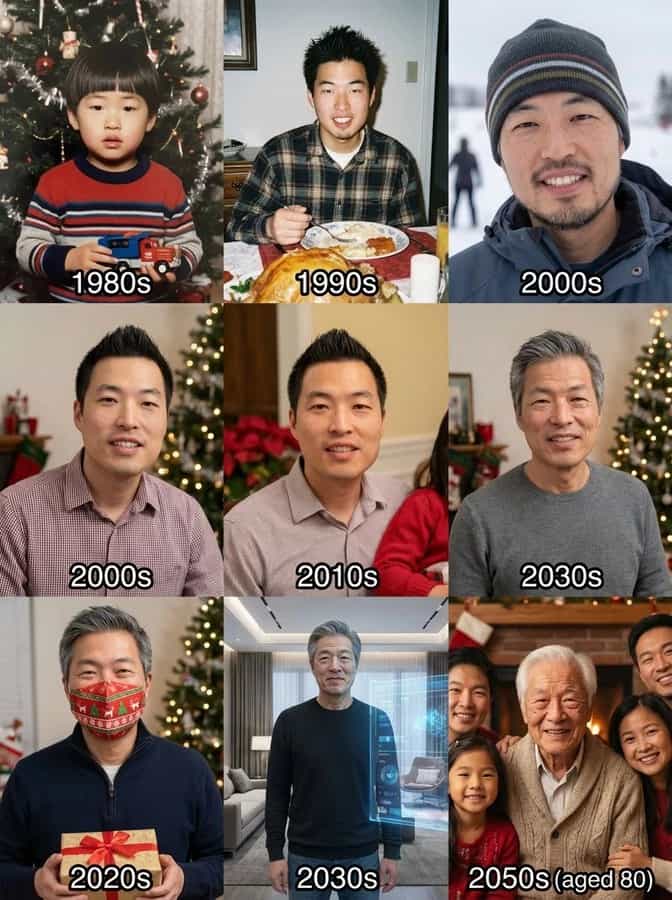
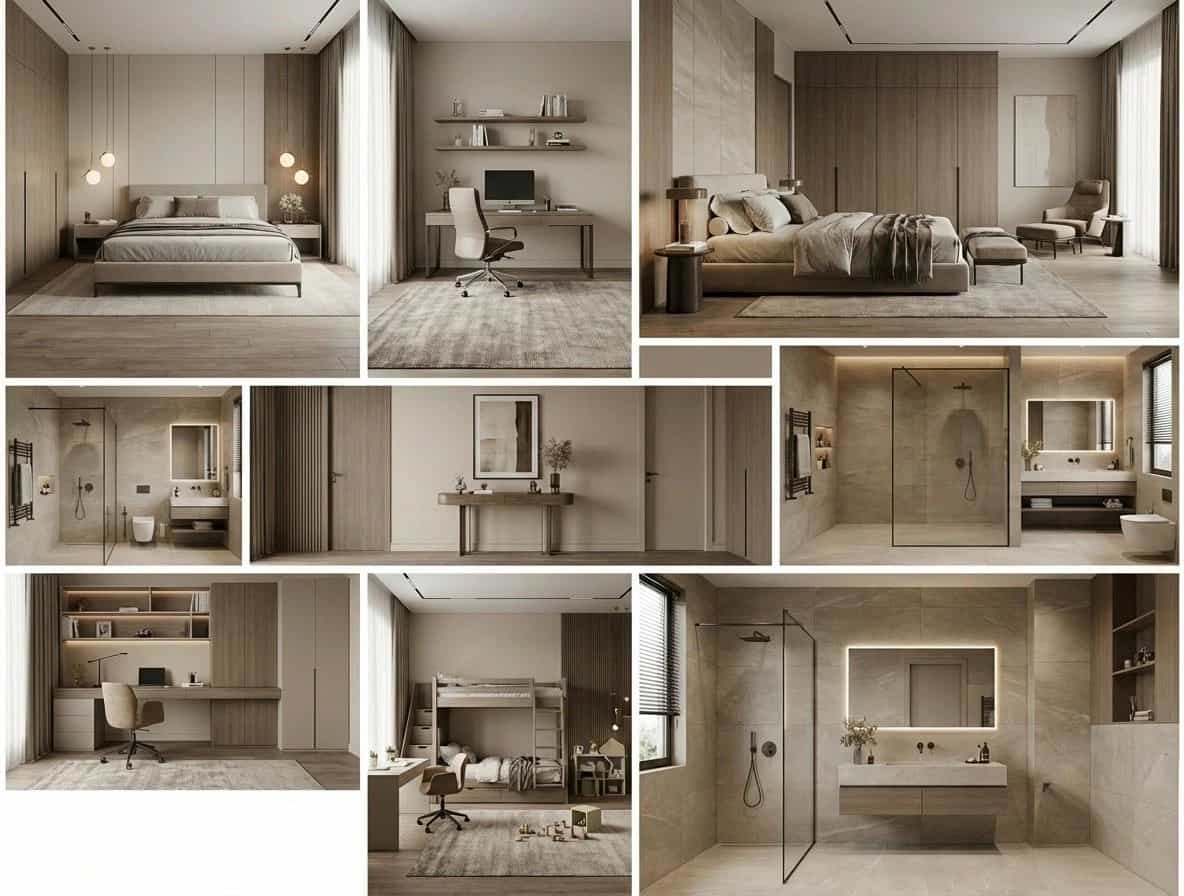
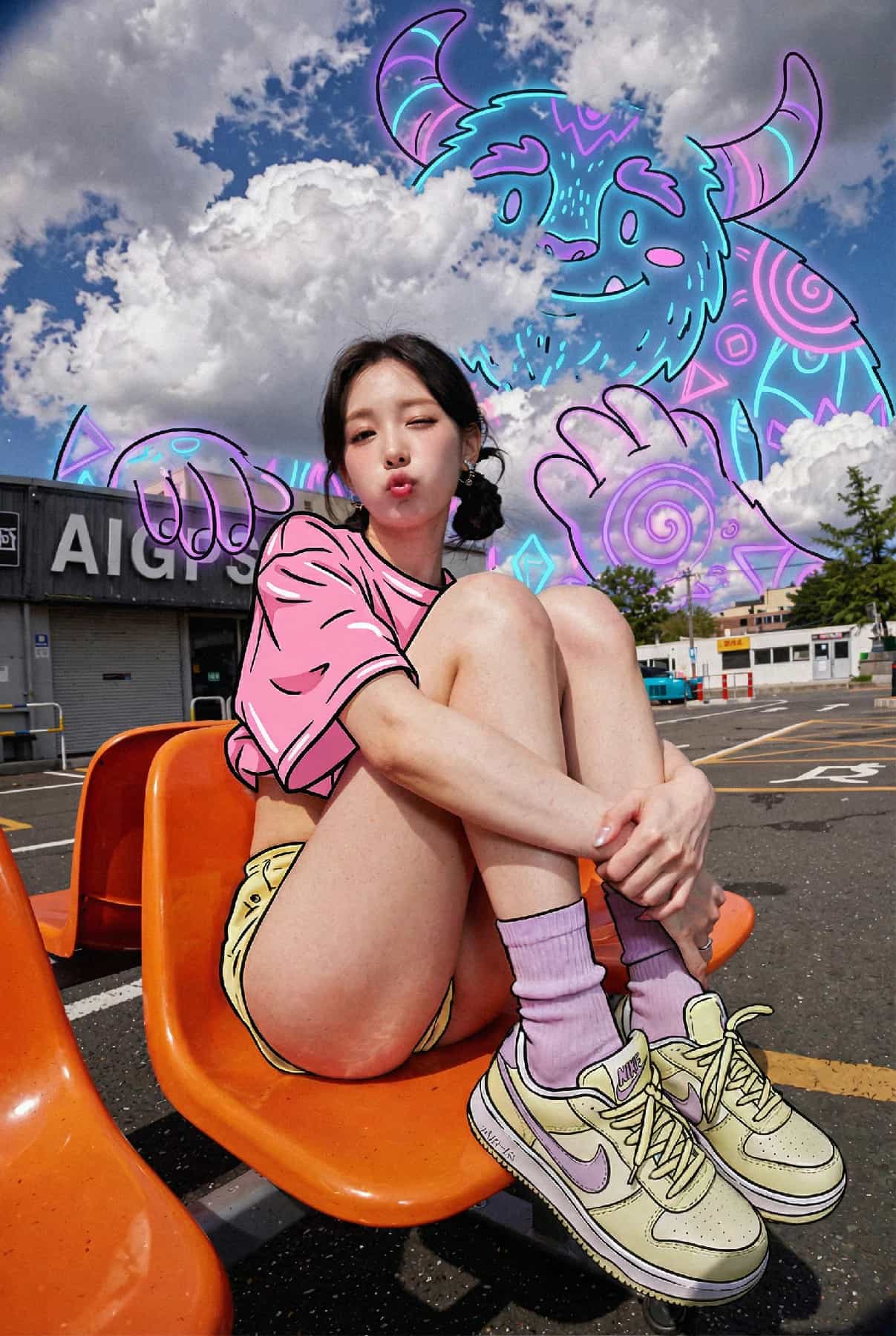
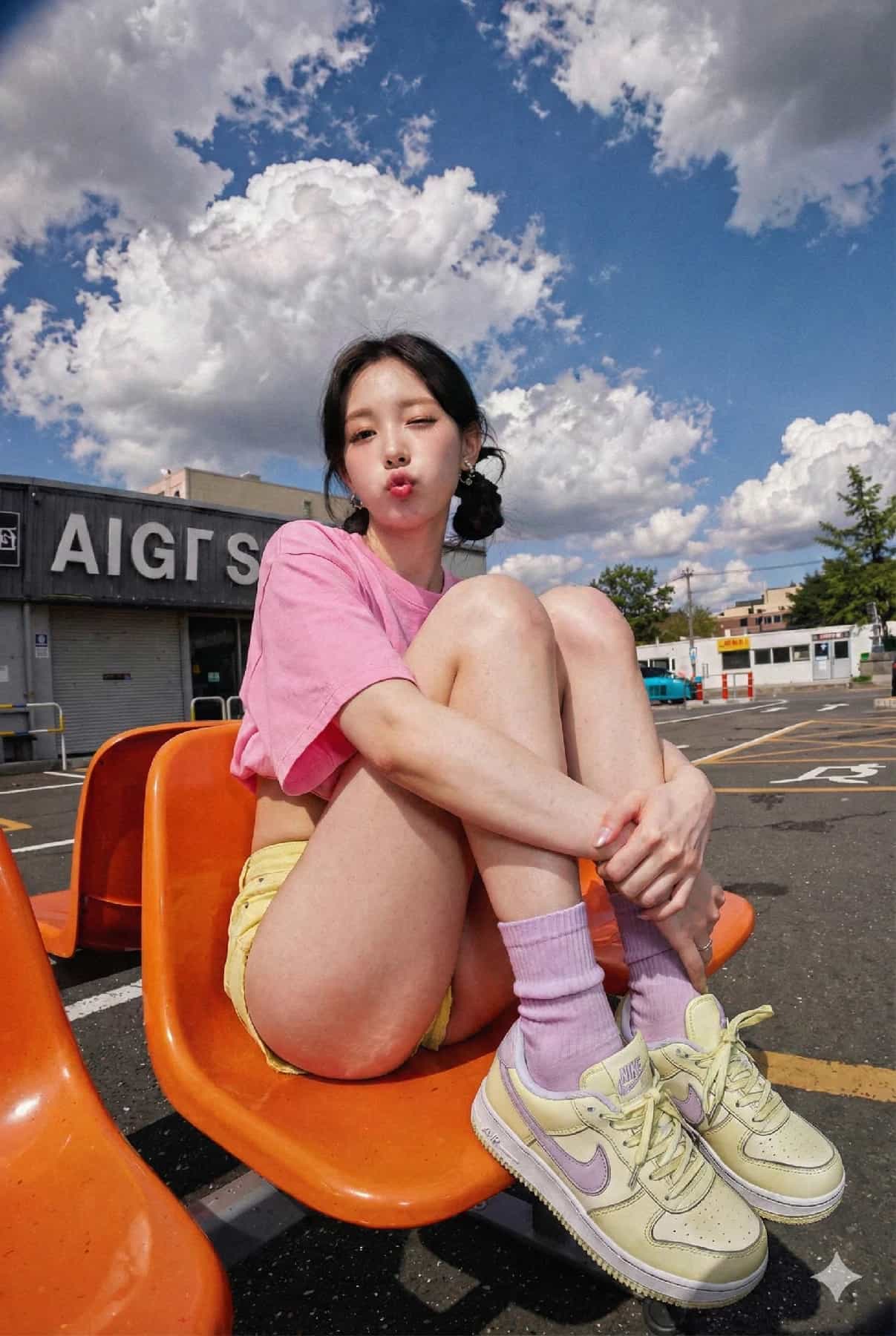
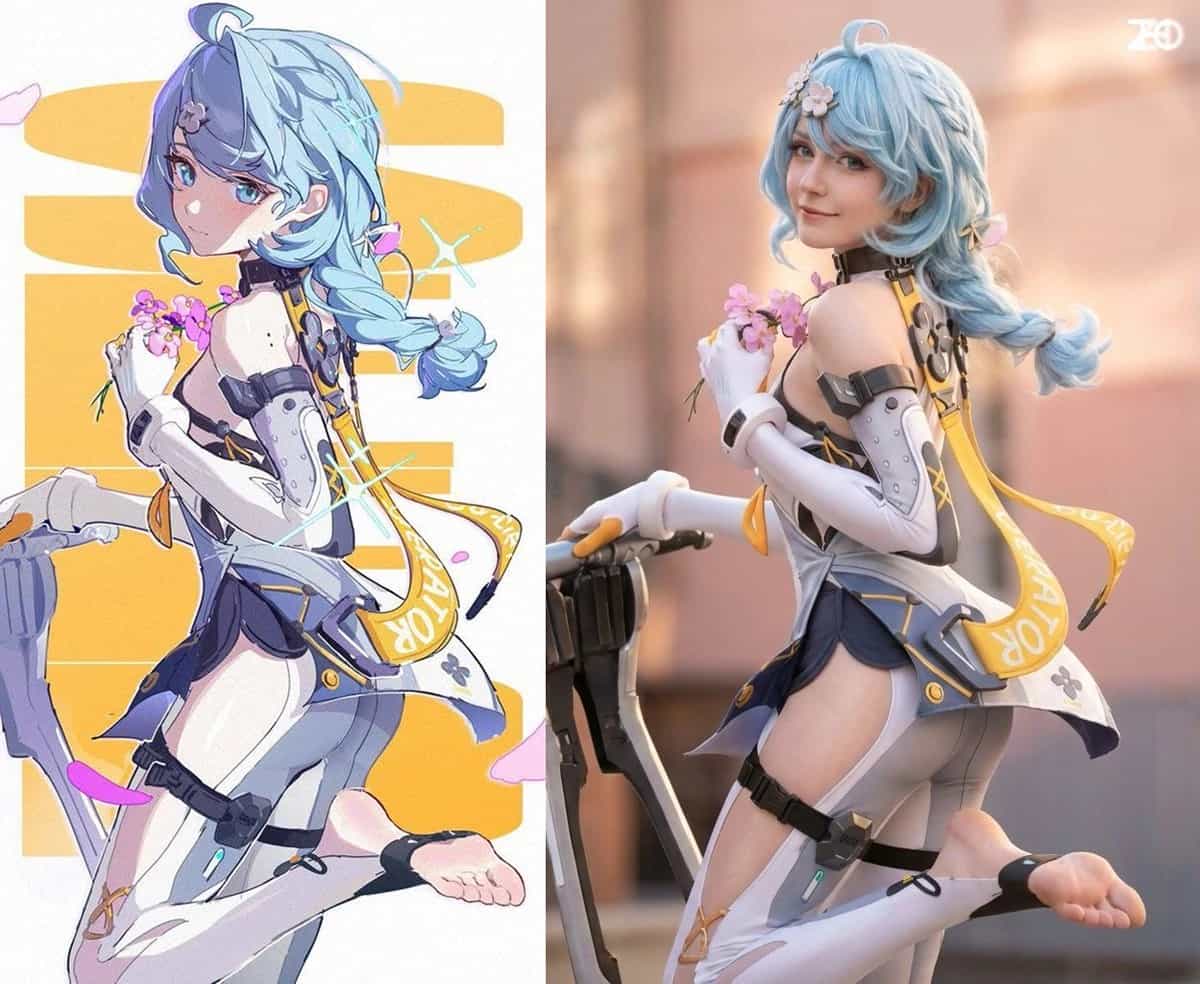
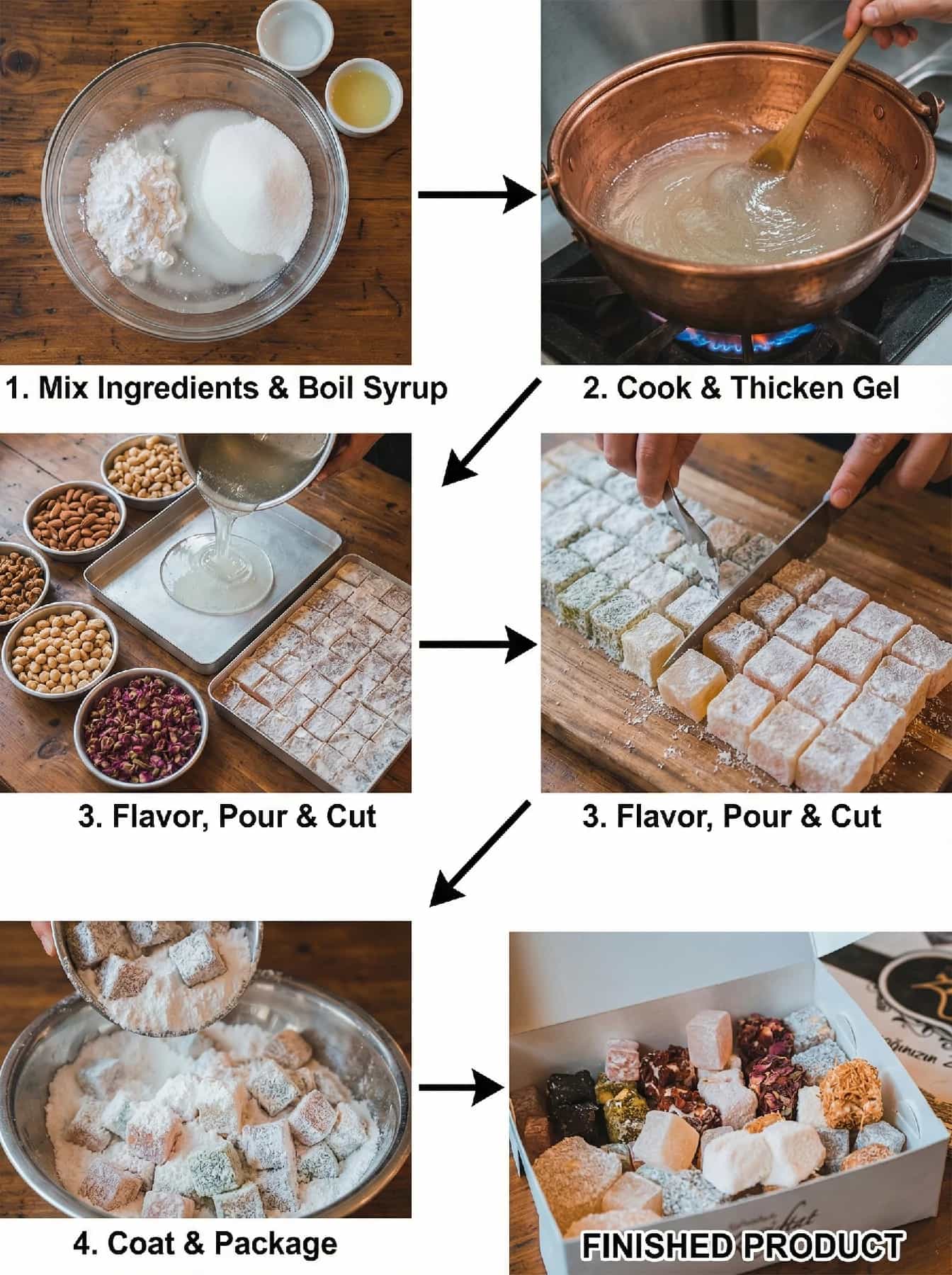
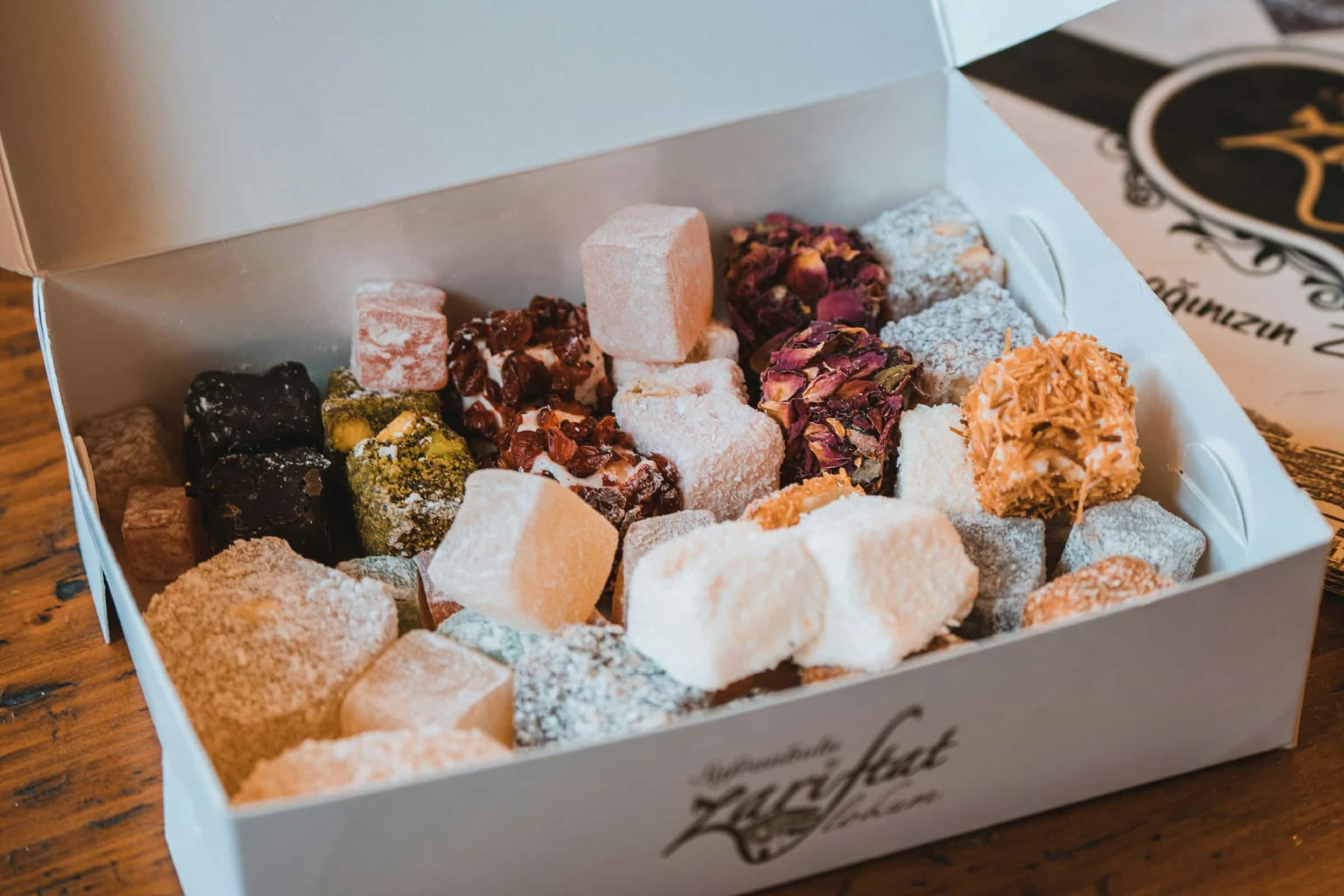
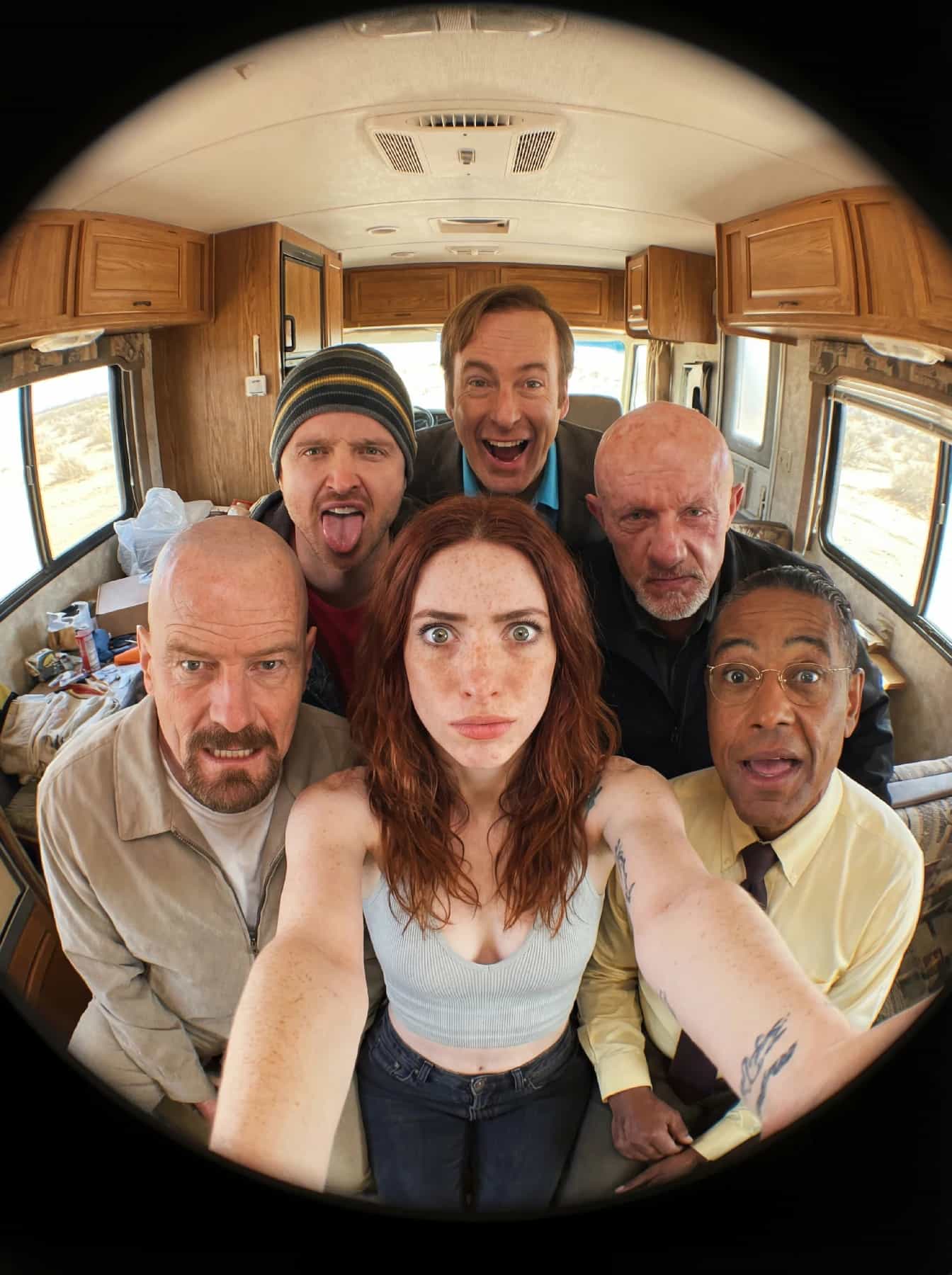
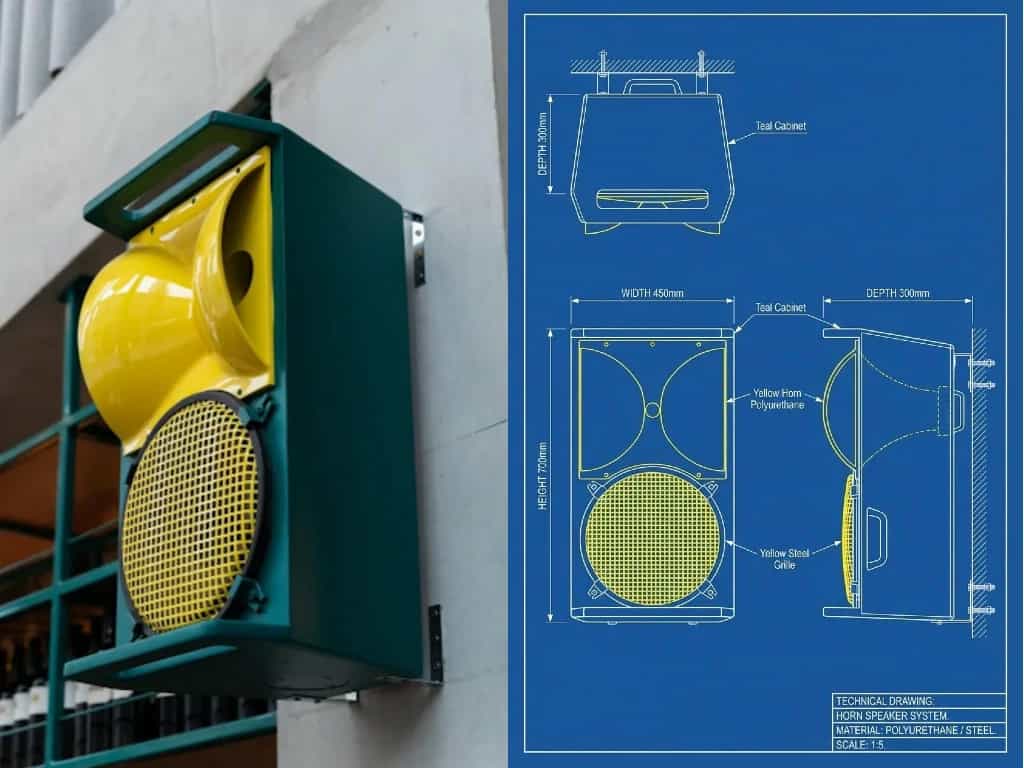
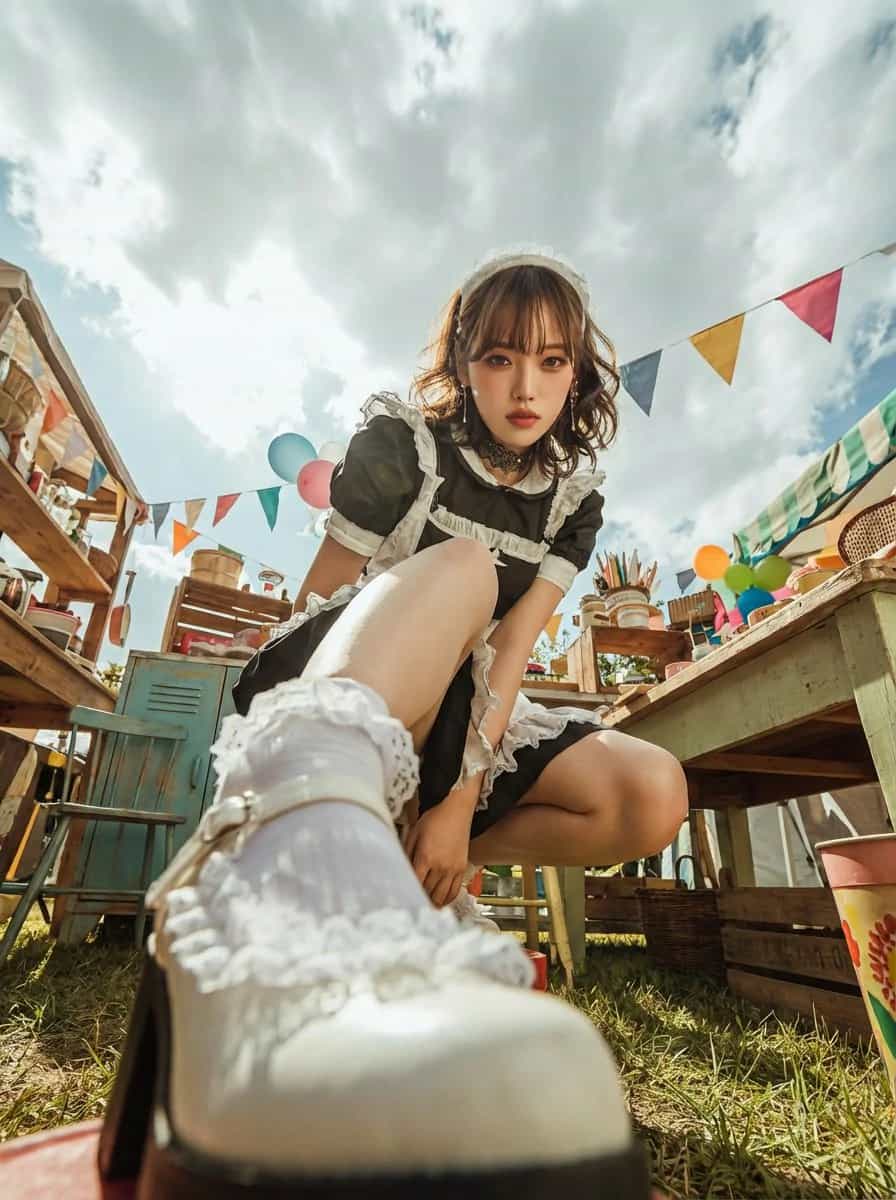
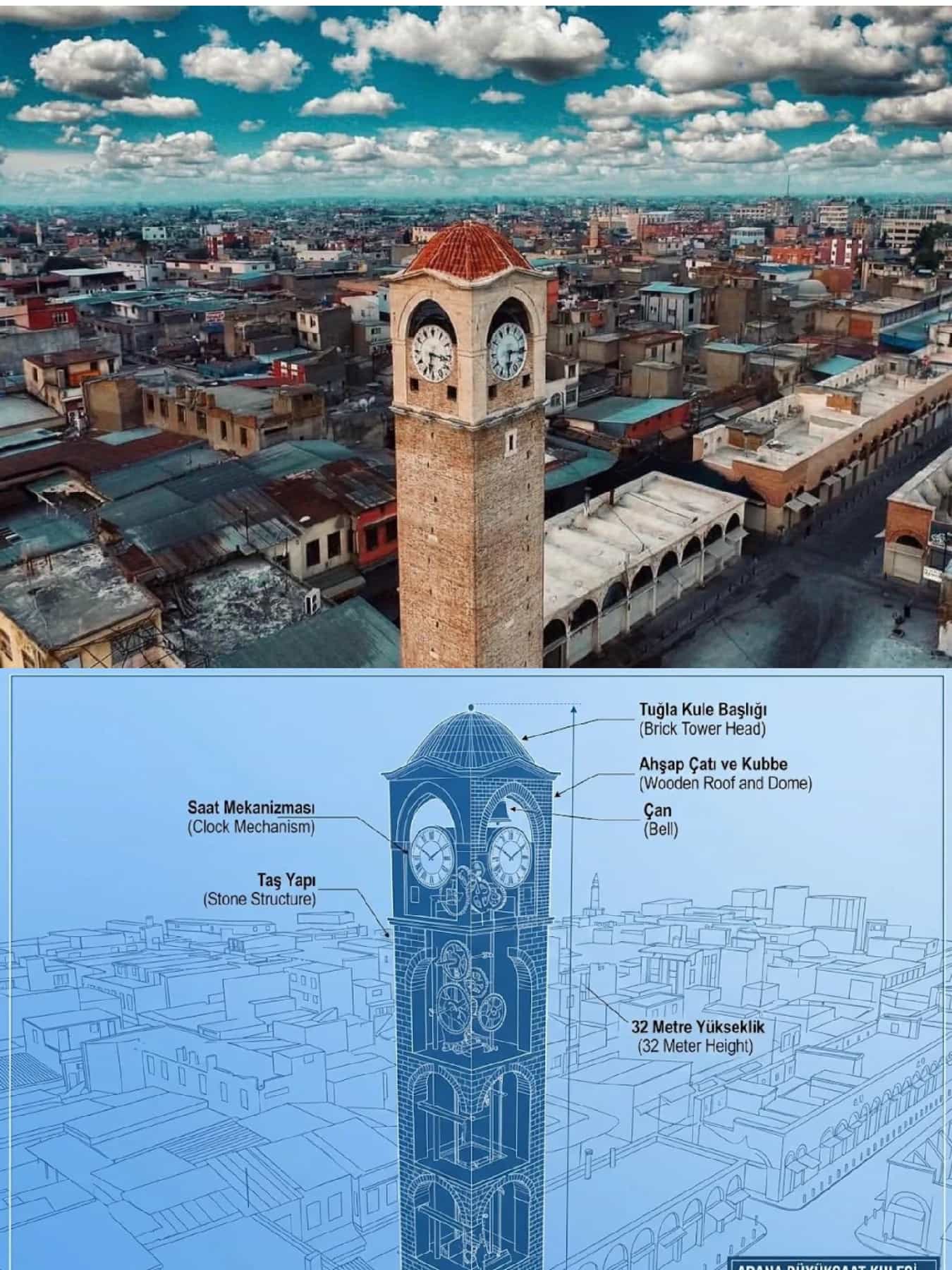
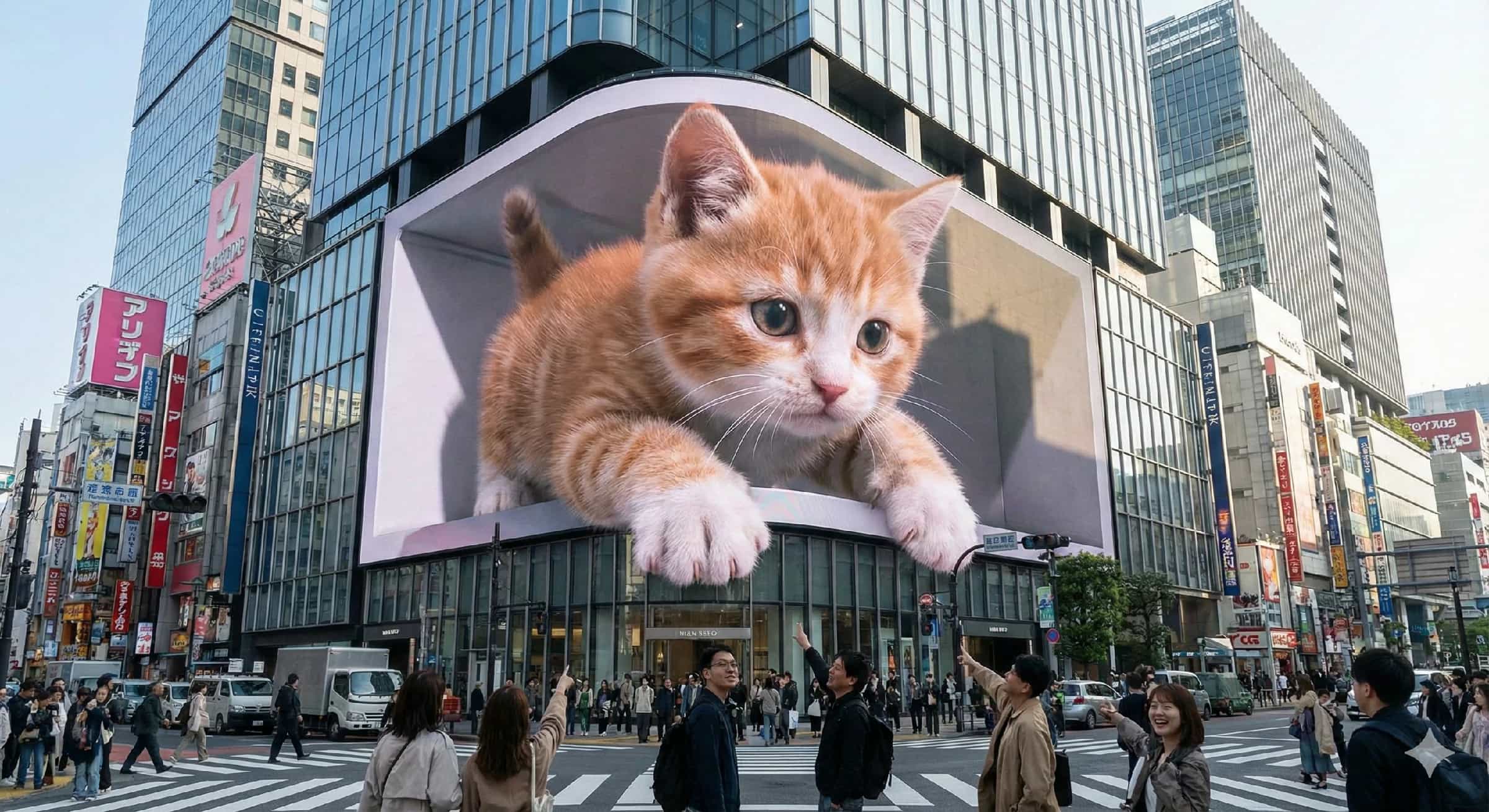
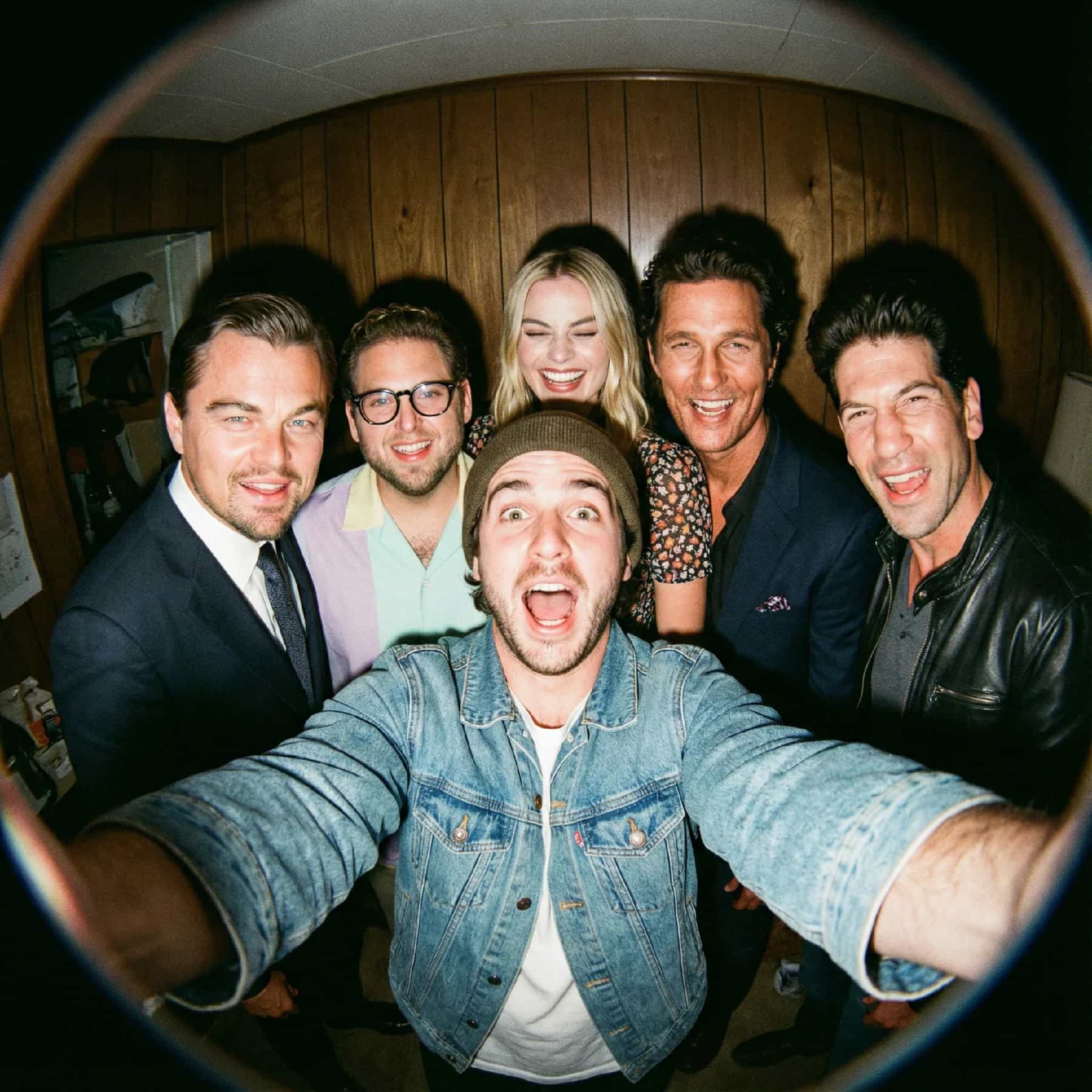
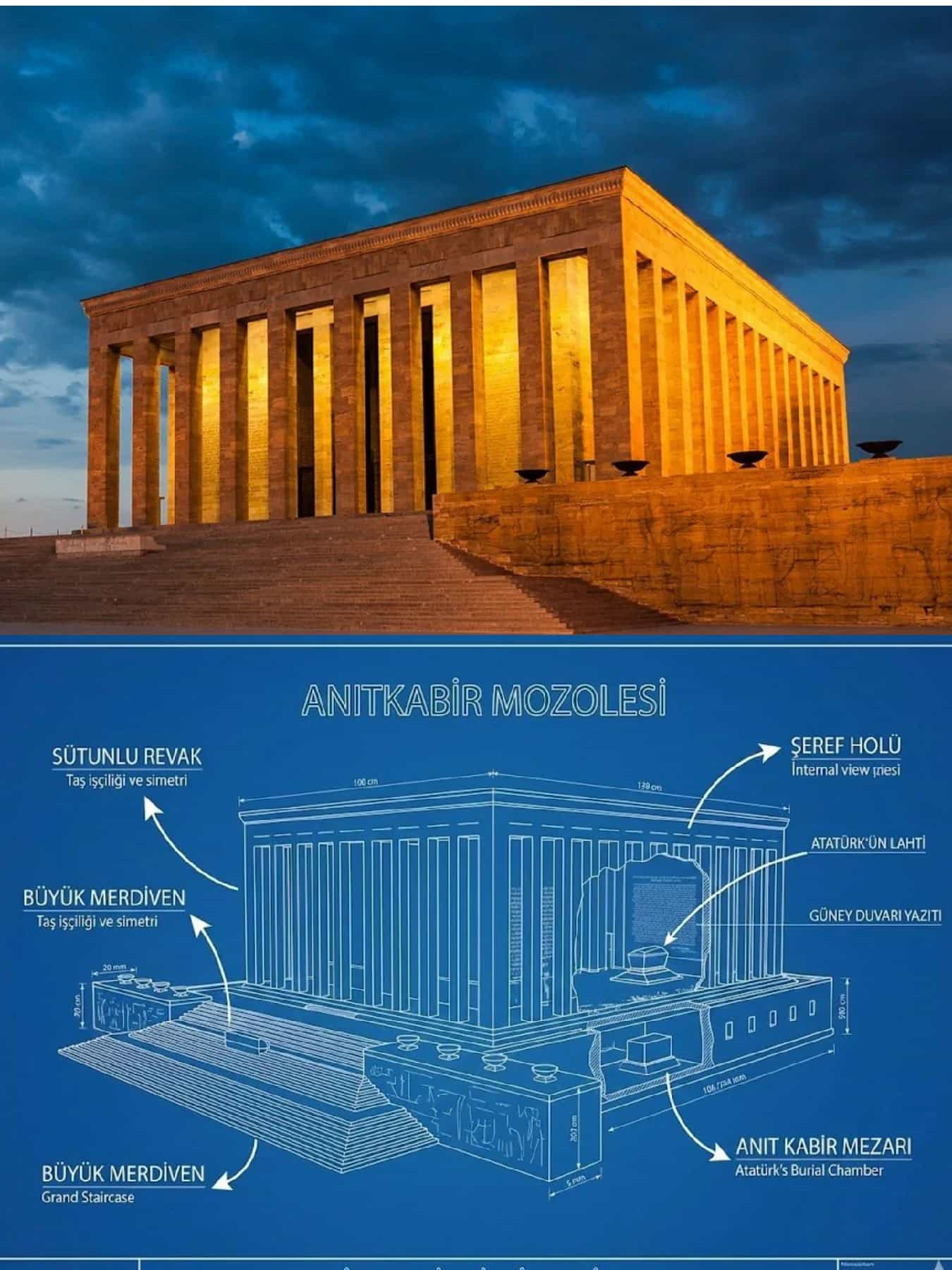
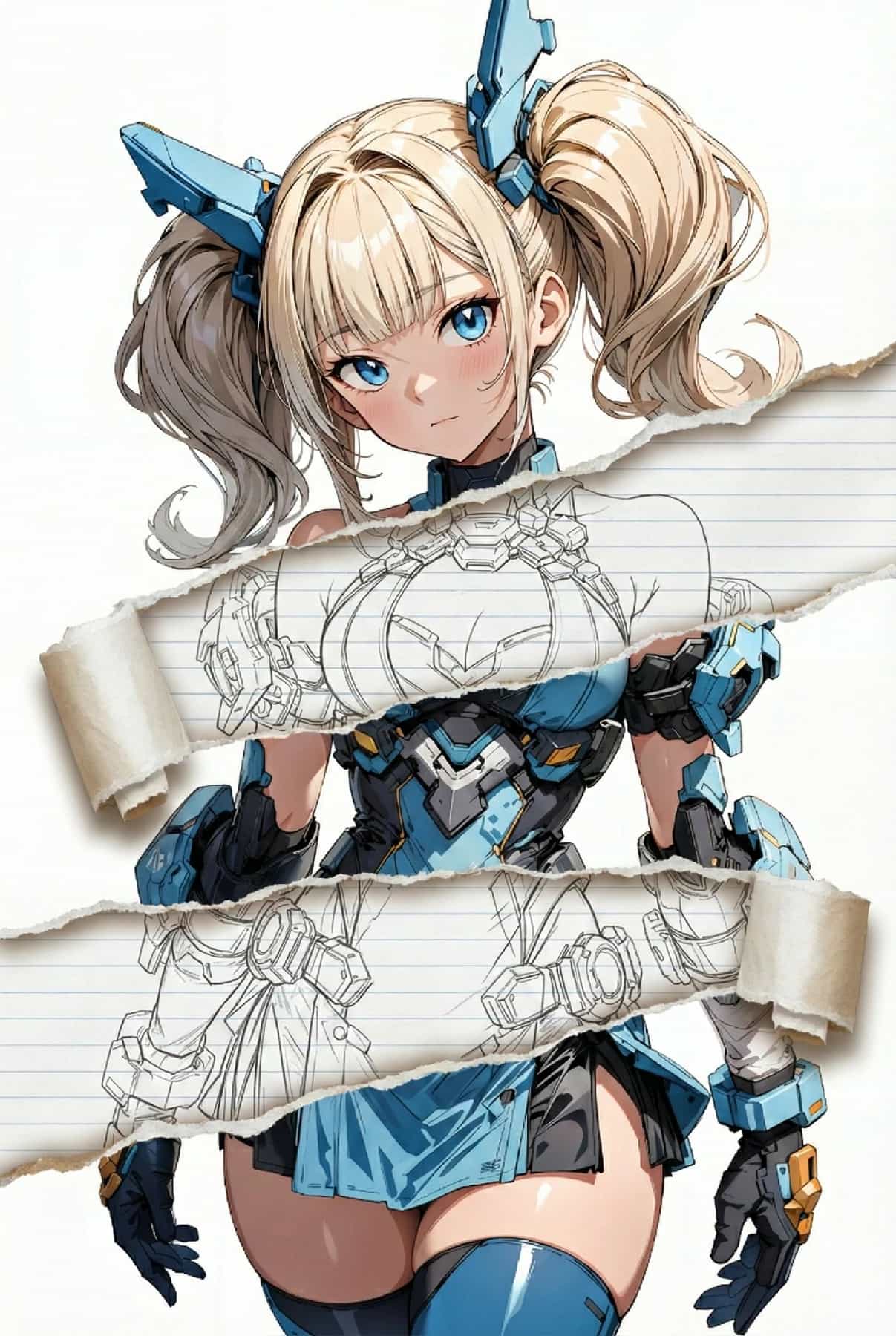
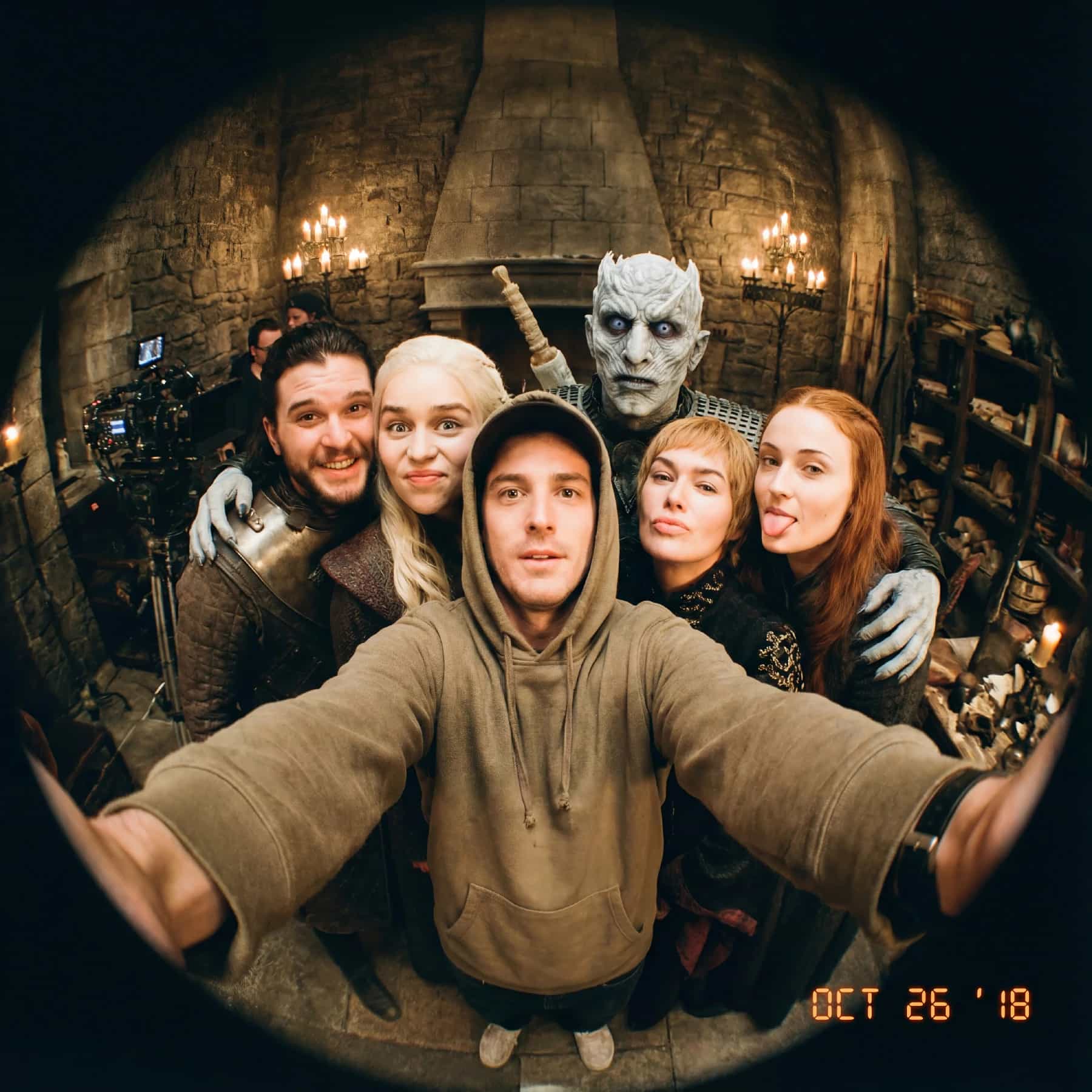
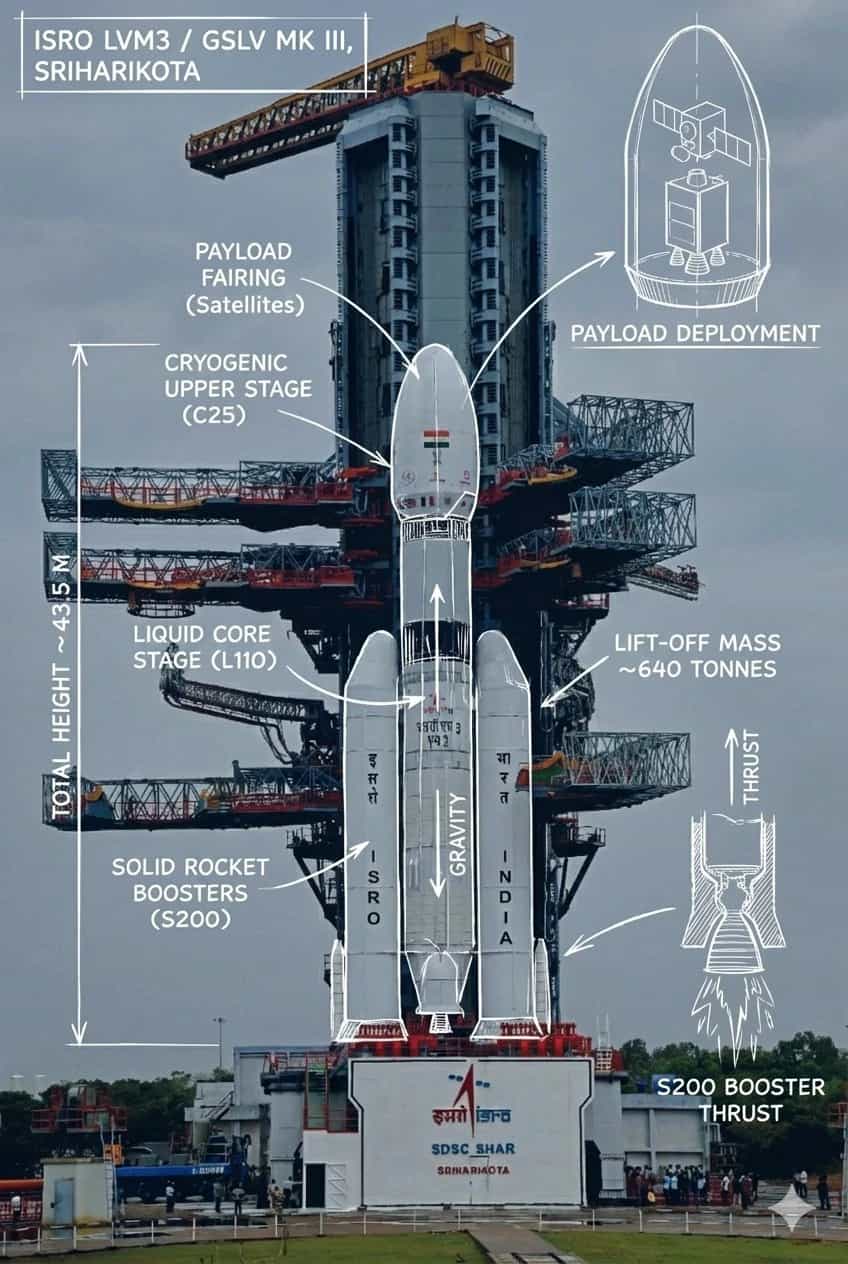
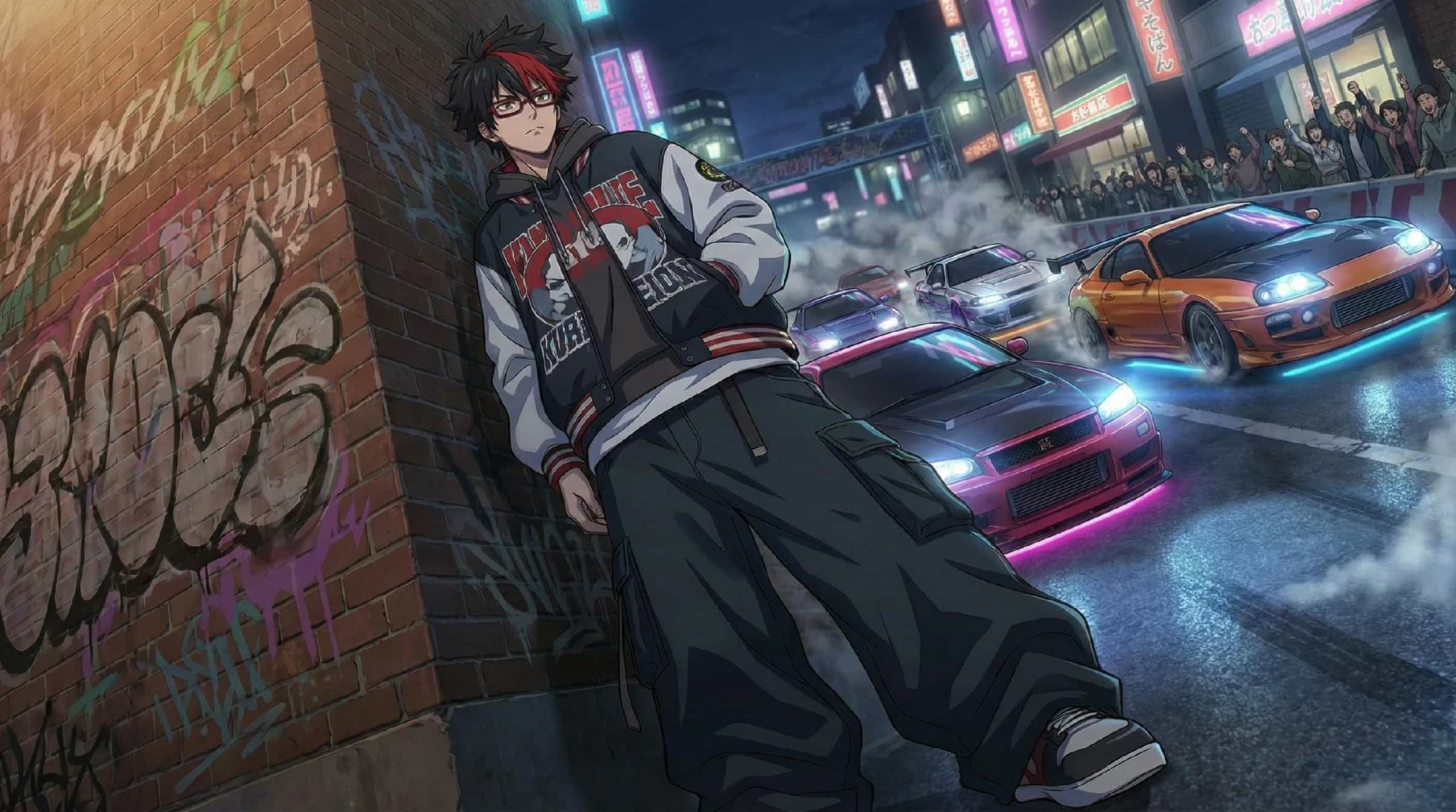
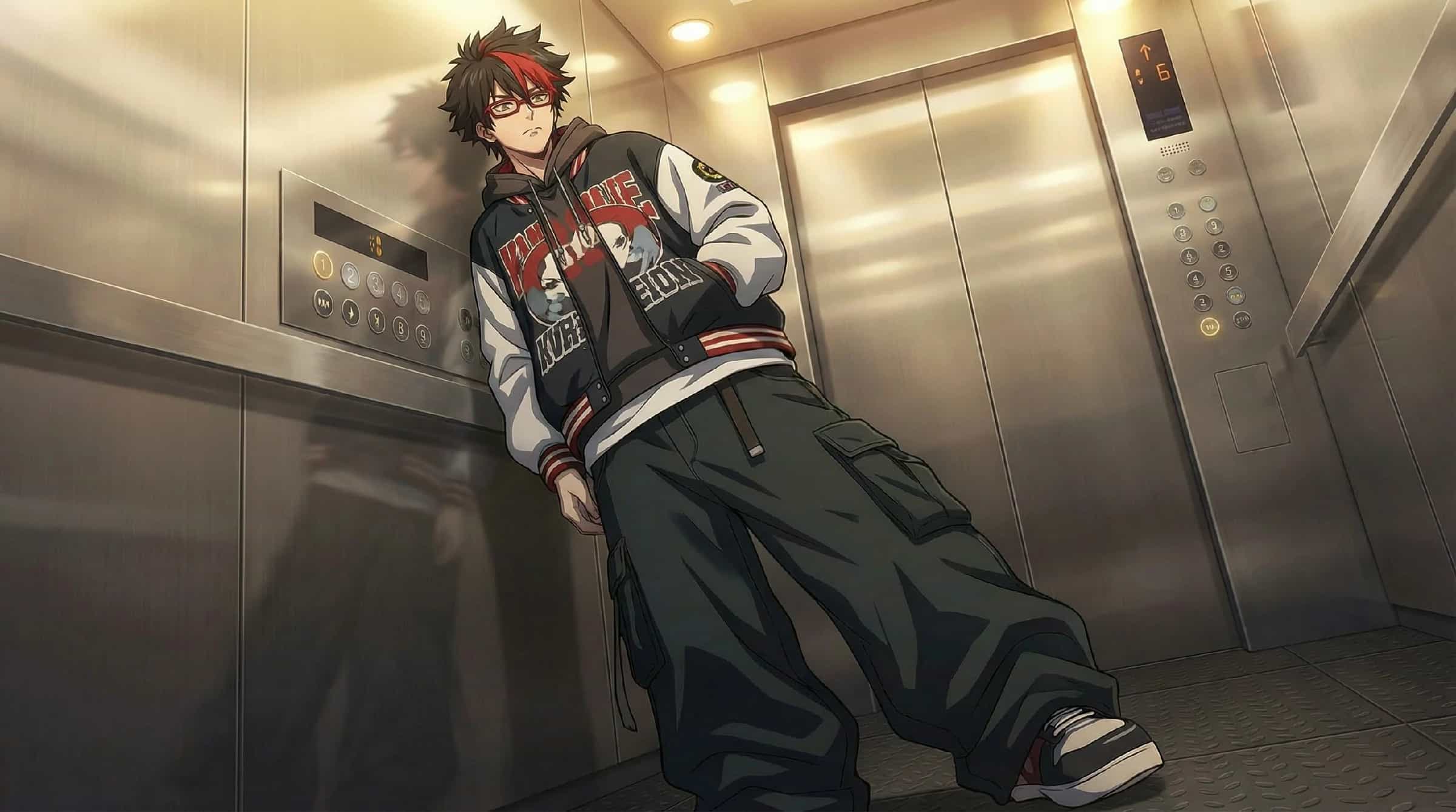
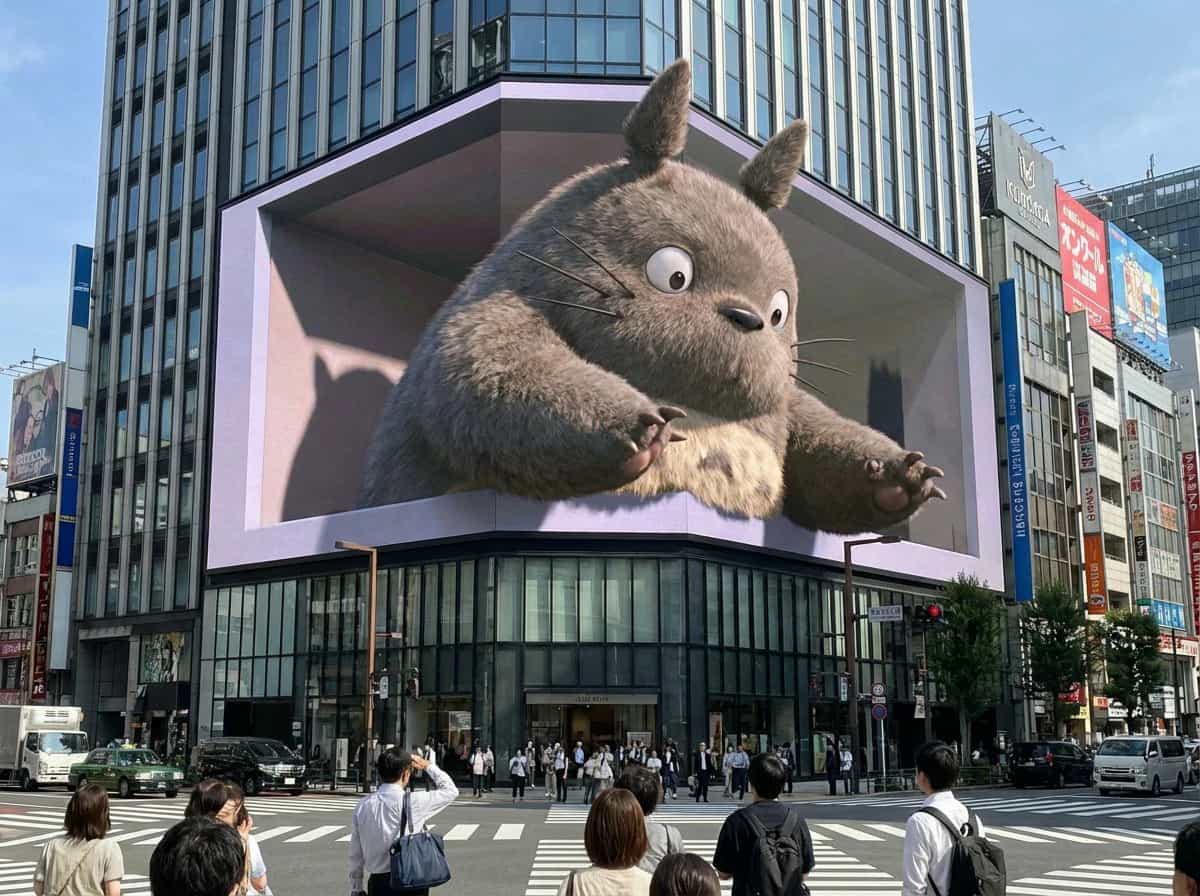
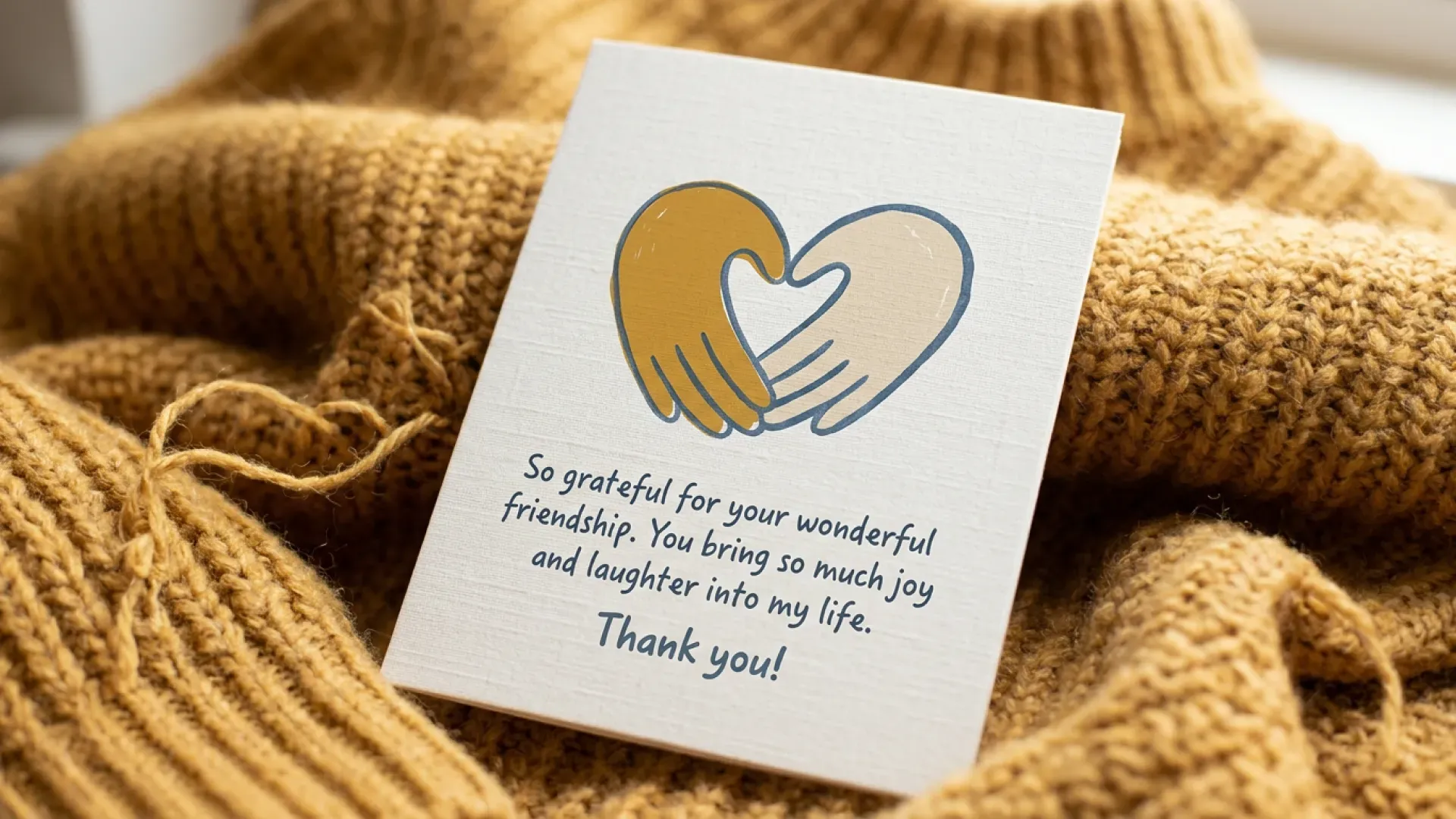
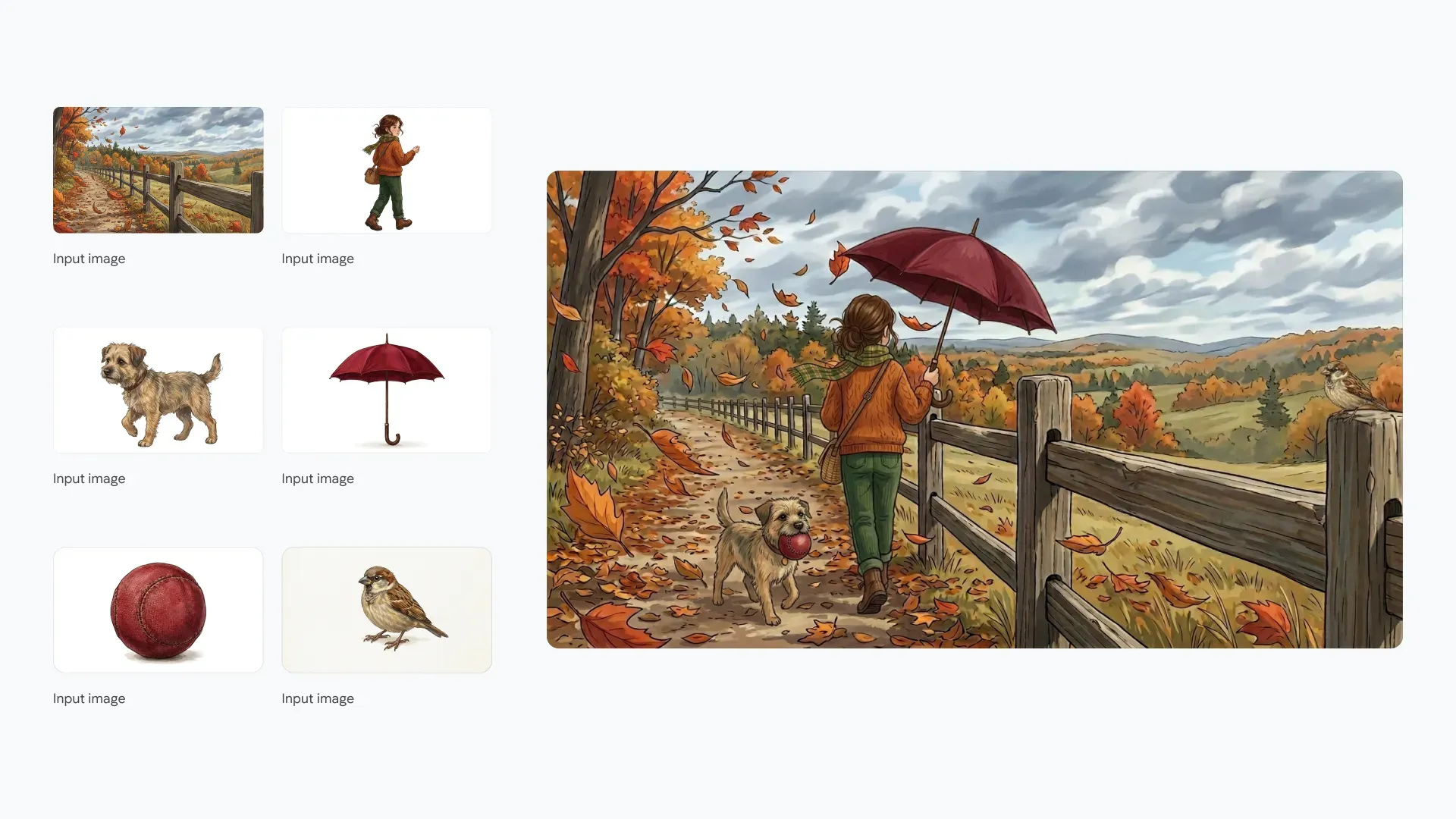
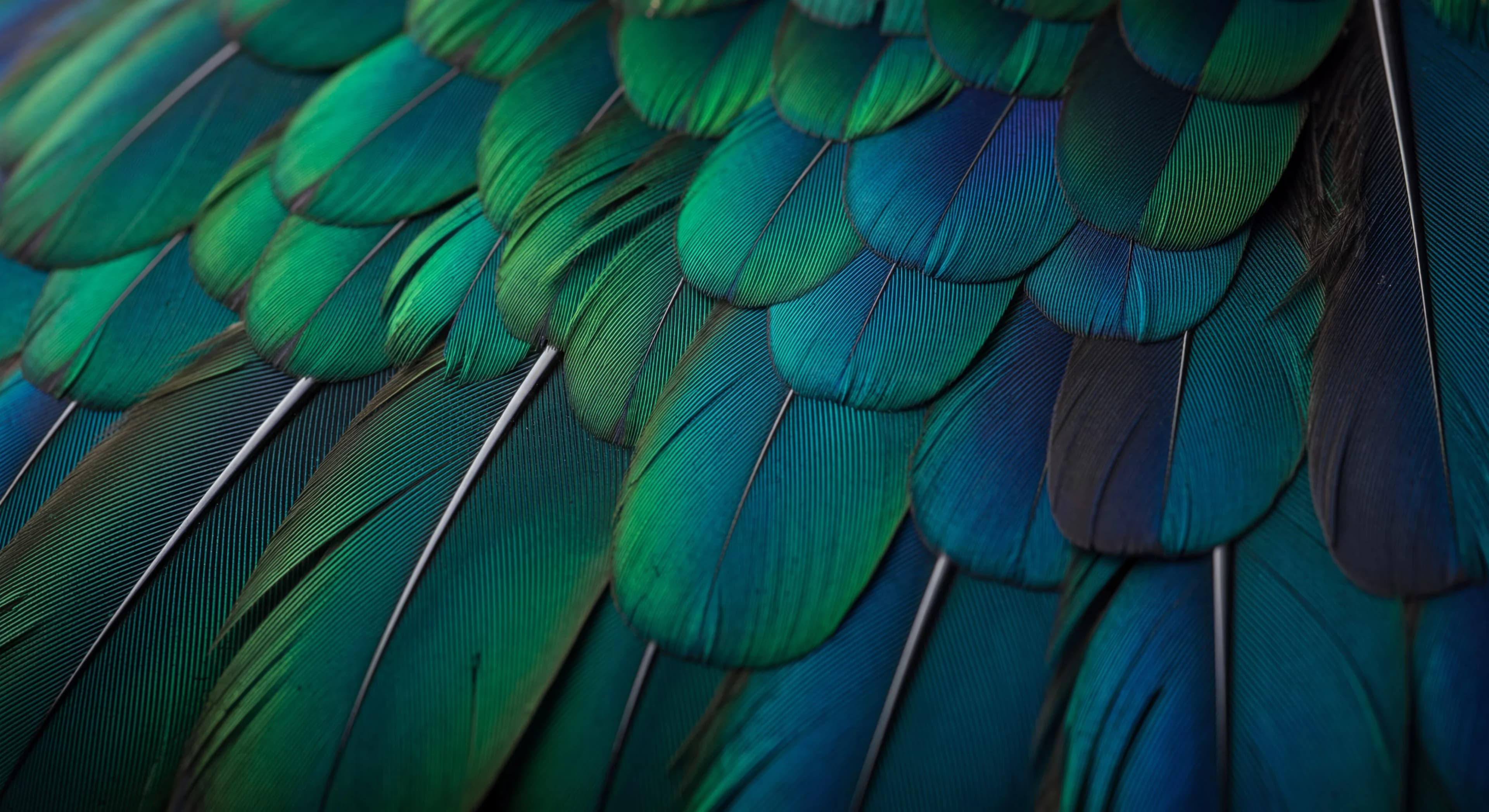
The three images below were generated with Nano Banana 2.1. Explore text rendering, subject consistency and fine detail.
Use-case decisions
Choose 1K, 2K or 4K to match the destination, then inspect texture and edges at that size. 2.1 improves quality for both generation and editing.
Name subject, action, setting, camera position, light and exact copy. Improved instruction following pays off when the brief says what belongs in frame and where.
Start from a clean reference and keep face, hair, outfit and accessories named across every edit. The spec covers up to four characters.
Quote the headline, labels and notes, then set hierarchy and position. Check every line at full resolution before publishing.
Prompt workshop
Name the subject, action, setting, camera position and light. “A glass teapot on a dark counter, eye-level view, backlit steam, empty left third for copy.” A brief that names subject, action, setting, camera and light beats a stack of style adjectives.
For an edit, write two short instructions: “Replace the background with a warm gray studio wall. Keep the shoe shape, stitching, logo and camera angle unchanged.” Two short instructions — what changes, what stays — make the comparison mechanical.
Quote the text exactly and state its hierarchy: “Headline: FRESH START, upper left; caption: Autumn collection, directly below; no additional wording.” Quoting the copy and its position is what keeps text legible after a translation pass.
Upgrade decision
They are two parallel options in this workbench, not one upgrade over the other. Pro is the stronger choice when your brief depends on precise, art-directed control; 2.1 is the newer model entry and is selected by default here.
How to decide in one pass: run the same brief and the same reference images through both, then compare the details your deliverable depends on — text accuracy, identity across turns, edge quality at final size. That comparison, not a label, tells you which to use.
Current workbench — Nano Banana 2 and the other models stay available in the selector. Check upload limits and the credit estimate before submitting, and revisit results in creation history.
FAQ
Model capabilities, practical prompts and what is available on this platform.
This site has a Nano Banana 2.1 option in the workbench, selected by default. Official routes outside this site are not confirmed in the available facts.
No official price or free allowance is verified in the available facts. Check the selected model and its live credit estimate in the workbench before submitting.
1K is the documented default; 2K covers most finished work; 4K is for print and large-format display. Note that 2.1 does not include the 0.5K tier that Nano Banana 2 offers — if you need a sub-1K draft, run it on 2.0. Before publishing, inspect texture, edges and small text at the final size.
Four things: image quality, in-image text, multi-turn character consistency, and tiling in extreme ratios at 2K and 4K. 2.1 also drops the 0.5K tier that 2.0 offers.
The model specification lists up to 14, including consistency tasks with up to four characters and ten objects. A product may expose fewer inputs, and the upload limit of the model selected here is set by that model.
Run the same brief and the same references through both and compare text accuracy, identity across turns and edge quality at final size. The available facts do not provide a complete capability ranking.
2 is the newer generation and adds 0.5K plus 4K output, better text rendering and stronger multi-turn consistency. 2.1 builds on 2. If your work is text-heavy or needs extreme formats, 2.1 is the one to test first.
There is no single best version — it depends on the task. Use 2.1 for text, identity consistency and extreme ratios; use 2.0 if you need a 0.5K draft; use Pro when the brief needs precise art direction.
They are built for different jobs. Nano Banana 2 is an image generation and conversation editing model; ChatGPT is a general assistant. Compare them on the same image brief rather than on overall quality.
The model page lists multilingual text rendering for Nano Banana 2, and 2.1 improves rendering and layout accuracy. For non-Latin scripts, quote the exact copy, keep each line short and leave space around every line, then check punctuation and accents at full resolution before publishing.
Next step
Bring your idea or a reference to the workbench. Choose an available model and turn a specific brief into your next creative asset.